

Instagram is one of the most popular platforms for sharing videos — from Reels to IGTV to Stories. Whether you’re saving inspirational content, preserving your own videos, or curating content for later reference, an Instagram video downloader can make life easier. But with so many tools available in 2025, how do you know which ones are trustworthy, fast, and truly free?
In this guide, we’ve listed the 9 best free Instagram video downloader platforms in 2025, plus everything you need to know before choosing the right one.
Disclaimer: Always download content responsibly and respect the rights of the original creators. These tools are for personal use only.
What Is an Instagram Video Downloader?
An Instagram video downloader is a tool that lets you save videos from Instagram to your device. These can be online tools, browser extensions, or software apps that allow you to download:
- Reels
- Stories
- IGTV videos
- Feed posts
Many of these tools are free and don’t require you to log in. They help users:
- Save videos for offline use
- Reuse content with permission
- Archive personal content from private or business profiles
Key Factors to Consider Before Choosing a Free Instagram Video Downloader
Before selecting a downloader, keep the following in mind:
- Ease of Use: A clean interface saves time
- Speed & Video Quality: Tools should support fast downloads in HD
- Device Compatibility: Ensure it works on mobile, tablet, and desktop
- No Login Requirement: Prioritize tools that don’t ask for personal credentials
- Ad-Free or Low-Ad Experience: Some free tools are cluttered with ads
- No Watermarks: You want clean videos unless credit is needed
- Security: Use secure (HTTPS) platforms to avoid malware
9 Best Free Instagram Video Downloader Platforms in 2025
1. SaveInsta
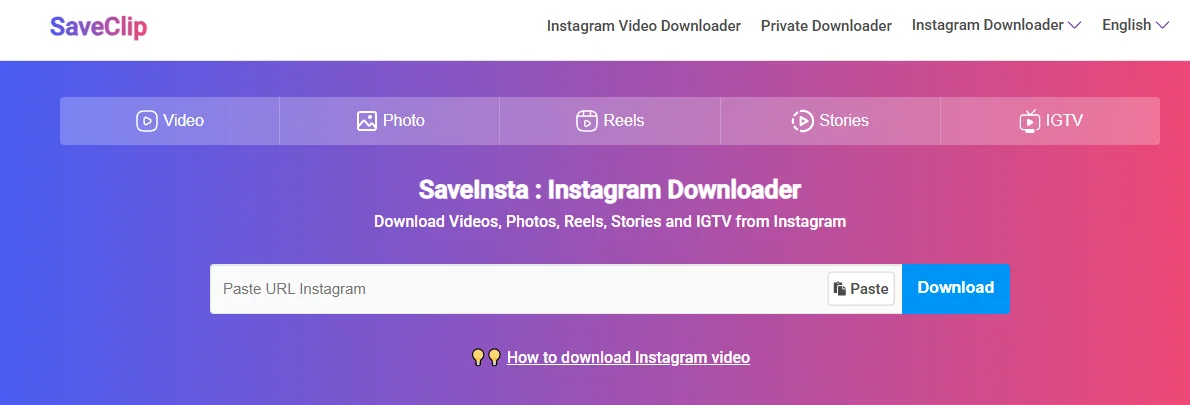
- Website: saveclip.app
- Features: Supports reels, videos, photos, and stories
- Pros: No login needed, fast downloads
- Cons: Ad-heavy interface
- Best for: Downloading Instagram content on the go
2. Inflact
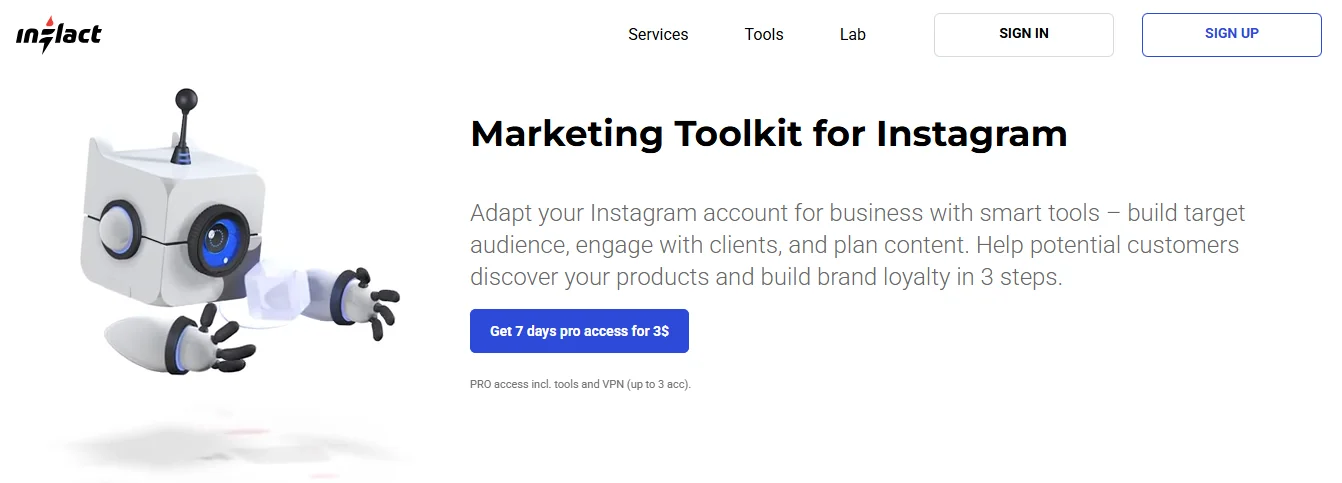
- Website: inflact.com
- Features: Multi-purpose Instagram toolkit
- Pros: User-friendly, multiple download types (videos, stories, etc.)
- Cons: Limited downloads on free plan
- Best for: Professionals managing content in bulk
3. iGram
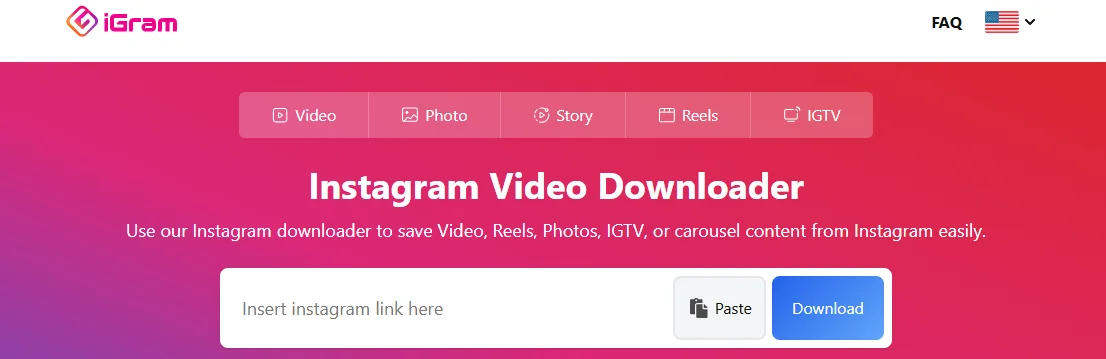
- Website: igram.world
- Features: Downloads reels, videos, and carousel posts
- Pros: Clean interface, high-speed download
- Cons: Occasional bugs on mobile
- Best for: Fast one-click downloads
4. SnapInsta
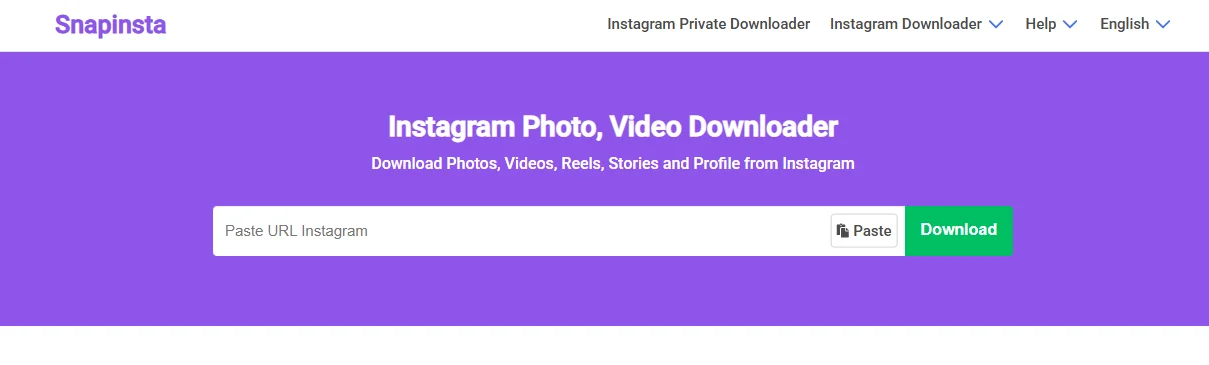
- Website: snapinsta.to
- Features: No registration required, supports IGTV
- Pros: Works well on all devices, good video quality
- Cons: Pop-ups on free version
- Best for: Downloading IGTV content easily
5. DownloadGram
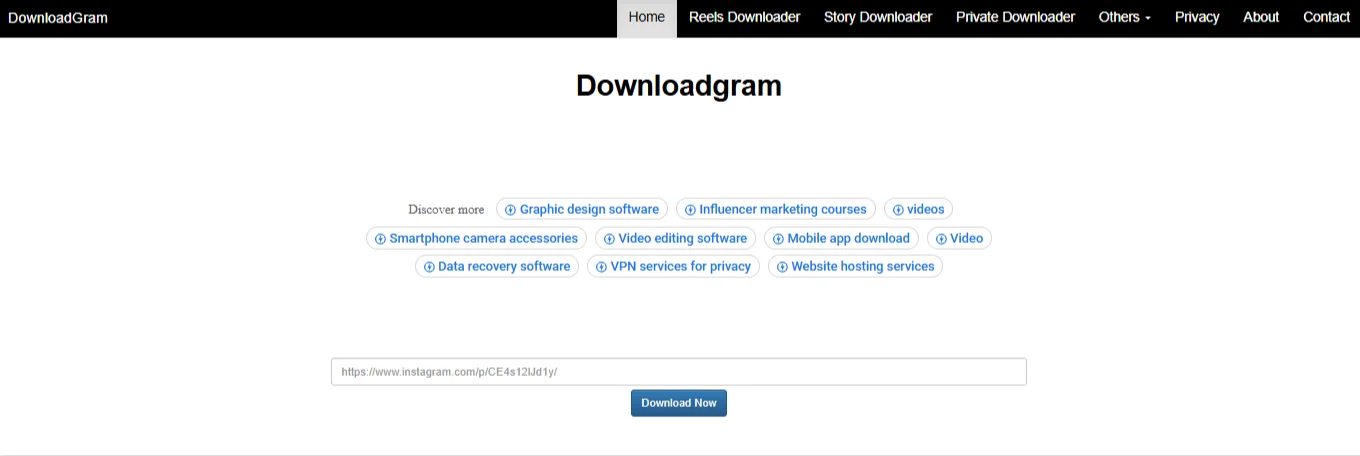
- Website: downloadgram.org
- Features: Simple download interface for photos and videos
- Pros: Very easy to use
- Cons: Limited support for new formats like Reels
- Best for: Casual users
Also Check: 13 Best AI Paraphrasing Tools In 2025
6. Instaloader
- Website: instaloader.github.io
- Features: Python-based tool for advanced downloads
- Pros: Highly customizable, supports private content (with login)
- Cons: Requires basic technical skills
- Best for: Developers or power users
7. SSSInstagram
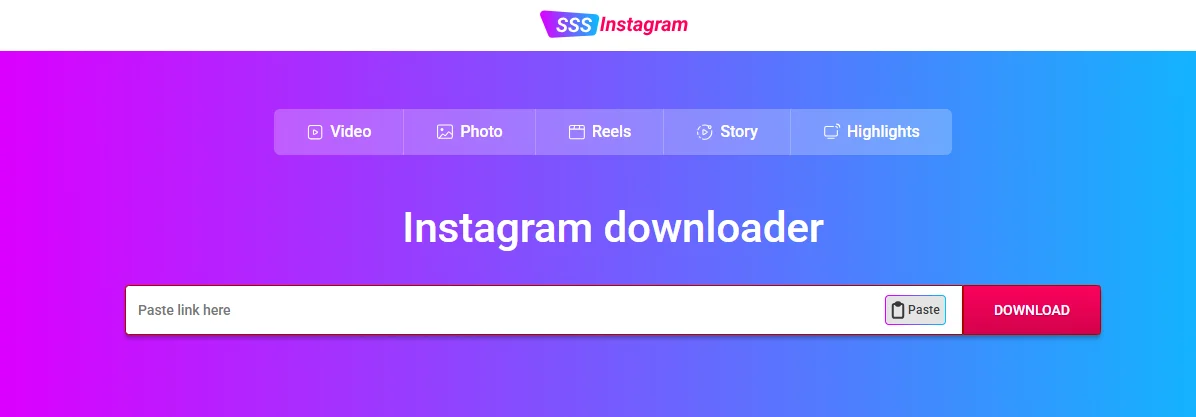
- Website: sssinstagram.com
- Features: Online downloader for reels and stories
- Pros: Fast and secure
- Cons: Website layout is basic
- Best for: Quick story downloads
8. Toolzu
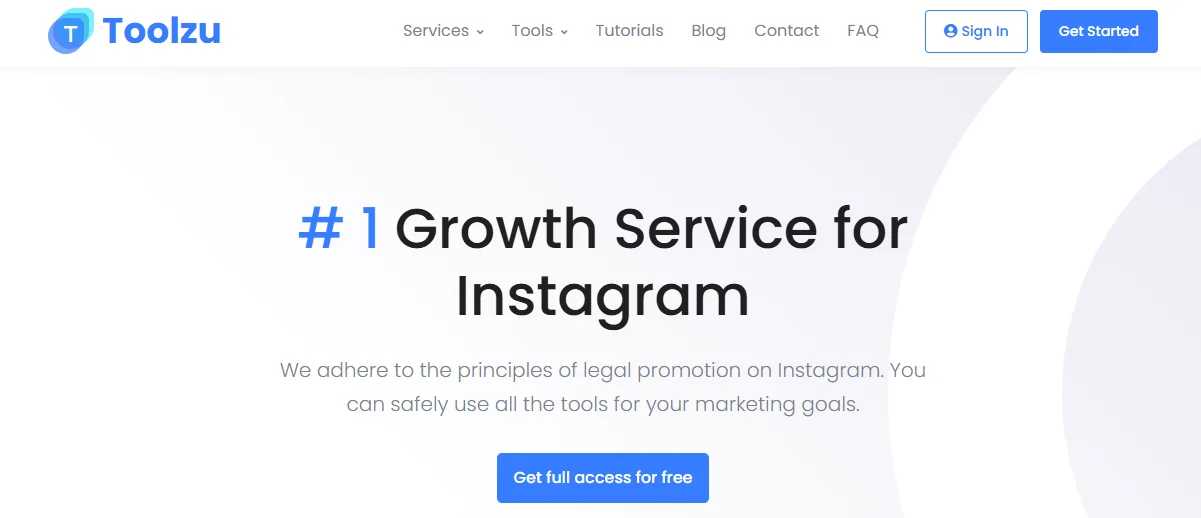
- Website: toolzu.com
- Features: Full Instagram toolkit including video downloads
- Pros: Clean UI, supports hashtag tracking
- Cons: Daily download limits
- Best for: Marketers and influencers
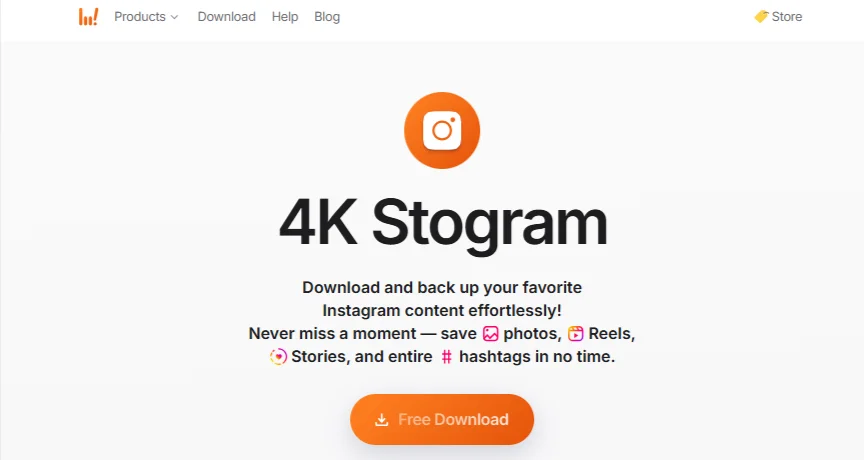
9. 4K Stogram
- Website: 4kdownload.com
- Features: Desktop app for downloading videos, profiles, and hashtags
- Pros: Download entire profiles
- Cons: Requires installation
- Best for: Bulk downloads and offline archiving
How To Use an Instagram Video Downloader (Step-by-Step Guide)
Here’s a general guide to using these tools:
- Open Instagram and find the video you want to download
- Copy the link to the post (via the three-dot menu)
- Go to the downloader site (e.g., iGram or SnapInsta)
- Paste the link into the input box
- Click download and choose the format (MP4, HD, etc.)
- Save the video to your device
Tip: For mobile users, open the downloader in a browser like Chrome or Safari for best results.
Are These Downloaders Safe to Use?
While most tools are secure, here are a few precautions:
- Use HTTPS websites only
- Avoid tools asking for Instagram login
- Be cautious of excessive ads and redirects
- Install ad-blockers for smoother experience
- Use a VPN for added privacy
Tools like Instaloader, Toolzu, and iGram have strong reputations in 2025 and are generally considered safe.
Legal and Ethical Considerations
Always follow Instagram’s terms of use. Downloading someone else’s video without their permission can:
- Violate copyright laws
- Lead to account suspension if reposted without credit
Use downloaders only for:
- Personal offline viewing
- Saving your own content
- Educational or reference use (with permission)
If you repost, always credit the original creator.
Alternatives to Downloading (For Content Management)
If you prefer not to download videos, consider these alternatives:
- Use Instagram’s Save Feature – Bookmark content to view later
- Use Screen Recording Tools – Available on most smartphones
- Embed Posts – Use Instagram’s embed code to display content on blogs/websites without downloading
Conclusion
There are dozens of free Instagram video downloader tools, but not all are worth your time. The 9 platforms listed above are safe, fast, and reliable options in 2025, whether you’re downloading Reels, Stories, or regular videos.
Choose the one that suits your needs best and remember to respect copyright and creator ownership.
FAQs
Q1. Can I download Instagram Reels without a watermark?
Yes, many tools like SnapInsta and iGram offer watermark-free downloads.
Q2. Do I need to install software to download videos?
No. Most tools like SaveInsta and DownloadGram work directly in your browser.
Q3. Is it legal to download Instagram videos?
Downloading videos for personal use is generally fine. However, reposting or using them commercially without permission is against Instagram’s terms.

Passionate about blogging and focused on elevating brand visibility through strategic SEO and digital marketing. Always tuned in to the latest trends, I’m dedicated to maximizing engagement and delivering measurable ROI in the dynamic world of digital marketing. Let’s connect and unlock new opportunities together!