

Social media planning has become a core requirement for brands, businesses, and creators in 2026. With more platforms, more content formats, and higher expectations for consistency, planning content in advance is no longer optional. Random posting leads to missed opportunities, inconsistent messaging, and inefficient use of time.
Social media planning tools help teams organize ideas, schedule content strategically, collaborate smoothly, and maintain a clear publishing roadmap. This guide is designed for businesses, agencies, creators, and marketing teams who want a structured way to plan social media content across platforms and stay consistent throughout the year.
What Is a Social Media Planning Tool?
A social media planning tool is software designed to help users organize, plan, and manage social media content before it goes live. These tools focus on content calendars, workflows, and strategy rather than just publishing posts.
Social media planning tools are different from basic scheduling tools and full-scale management platforms. While scheduling focuses on timing posts and management includes inboxes and monitoring, planning tools prioritize structure and preparation.
Key functions of a social media planning tool include:
- Creating and managing content calendars
- Planning campaigns and content themes
- Coordinating teams and approval workflows
- Visualizing content across platforms
- Helping align posts with marketing goals
Why Social Media Planning Tools Are Essential in 2026
Social media planning has become more complex due to the rapid evolution of platforms and content formats. In 2026, brands are expected to publish consistently while adapting content for each platform’s unique requirements.
The growing dominance of short-form video, platform-specific algorithms, and audience expectations has made manual planning inefficient. Planning tools help reduce last-minute posting and ensure content aligns with campaigns and business objectives.
Key reasons these tools are essential include:
- Managing multiple platforms and formats efficiently
- Maintaining consistent brand voice and messaging
- Reducing time spent on manual coordination
- Supporting collaboration across teams
- Helping plan content around launches, events, and campaigns
How We Evaluated and Selected These Tools
The tools in this list were evaluated based on commonly recognized planning-focused capabilities rather than promotional claims. The goal was to identify platforms that support structured content planning for different team sizes and use cases.
Evaluation criteria included:
- Depth and flexibility of content calendars
- Support for major social media platforms
- Planning and collaboration workflows
- Availability of automation or AI-assisted features
- Scalability for different team sizes
- Pricing flexibility across plans
This list includes tools suitable for individuals, small teams, agencies, and larger organizations.
Quick Comparison Table: Best Social Media Planning Tools for 2026
| Tool Name | Best For | Planning Strength | Collaboration & Approvals | Platform Support | Pricing Type |
| Semrush Social | Integrated marketing teams | Advanced content and campaign planning | Team workflows | Major social platforms | Tier-based |
| Hootsuite | Large teams and enterprises | Structured calendar planning | Role-based approvals | Multiple major platforms | Tier-based |
| Buffer | Small teams and individuals | Basic content planning | Limited collaboration | Major platforms | Freemium / Paid |
| SocialPilot | Budget-focused teams and agencies | Multi-account planning | Client-friendly workflows | Major platforms | Subscription |
| Loomly | Campaign-based planning | Visual calendars and campaigns | Approval workflows | Major platforms | Tier-based |
| Planable | Collaboration-heavy teams | Preview-first content planning | Strong approval systems | Major platforms | User-based |
| Sprout Social | Data-driven planning teams | Analytics-led planning | Structured team workflows | Major platforms | Premium subscription |
| Later | Visual and video-first planning | Visual calendar planning | Limited collaboration | Visual-focused platforms | Tier-based |
| SocialBee | Evergreen content strategies | Category-based planning | Basic collaboration | Major platforms | Subscription |
| Agorapulse | Integrated planning and publishing | Unified calendar planning | Team approvals | Major platforms | Tier-based |
| CoSchedule | Marketing campaign planning | Cross-channel planning | Workflow coordination | Social + content channels | Subscription |
In-Depth Reviews of the 11 Best Social Media Planning Tools
1. Semrush Social
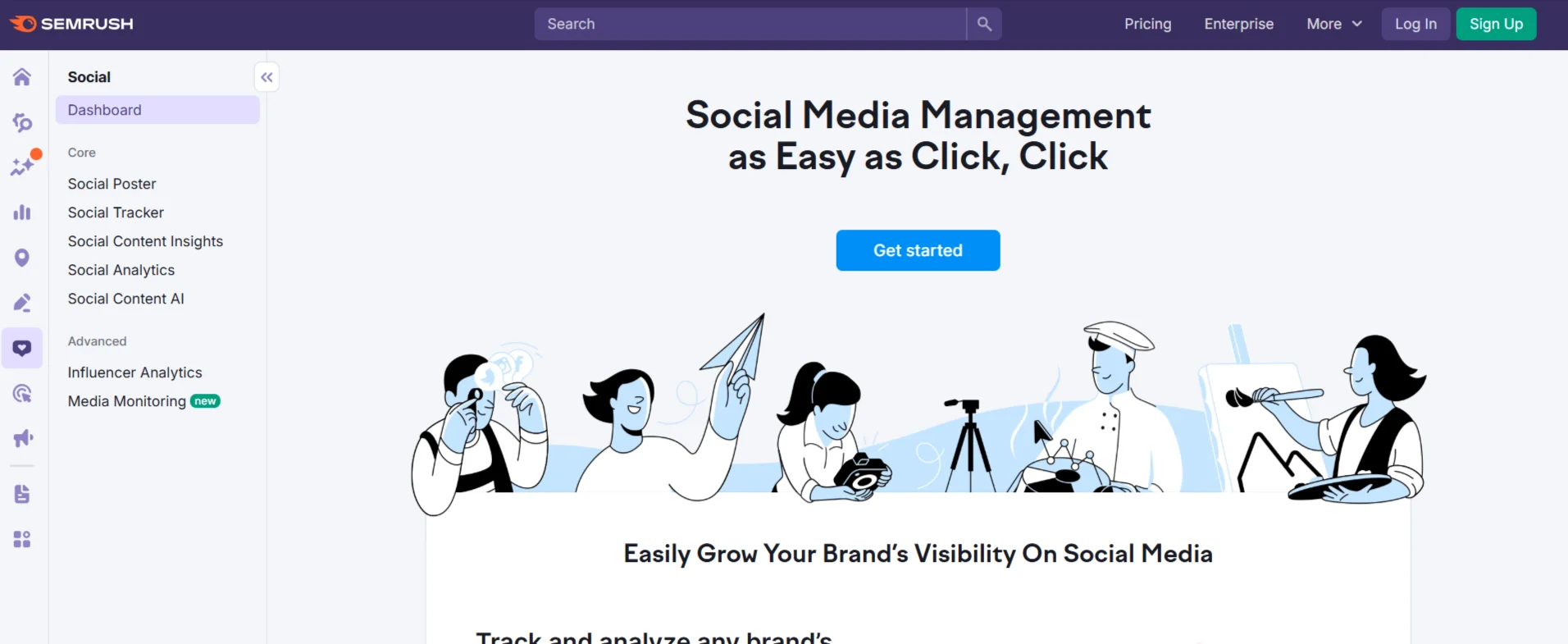
Semrush Social is designed to support structured social media planning alongside broader marketing workflows. It focuses on organizing content, planning calendars, and aligning social efforts with marketing strategies.
Planning and organizational strengths include:
- Centralized content calendar
- Post planning across multiple platforms
- Integration with broader marketing workflows
- Support for campaign-level planning
Additional details:
- Supported platforms include major social networks
- Offers structured workflows suitable for teams
- Designed for marketers managing multiple channels
Pros:
- Strong planning and organization features
- Suitable for long-term content strategies
Cons:
- May feel complex for solo users
- More suitable for structured marketing teams
Pricing:
- Pricing varies based on plan level and usage
Best for:
- Marketing teams looking for integrated planning
2. Hootsuite

Hootsuite is widely used by large teams that require structured workflows and multi-user planning. Its planning tools focus on visibility, coordination, and scalability.
Key planning features include:
- Visual content calendars
- Team-based workflows
- Approval processes for content publishing
Additional details:
- Supports multiple social platforms
- Designed for teams with defined roles
- Focuses on structured collaboration
Pros:
- Strong team coordination features
- Scales well for large organizations
Cons:
- Can be overwhelming for small teams
- Higher-tier plans may be required for full features
Pricing:
- Pricing depends on team size and feature access
Best for:
- Enterprises and large marketing teams
3. Buffer
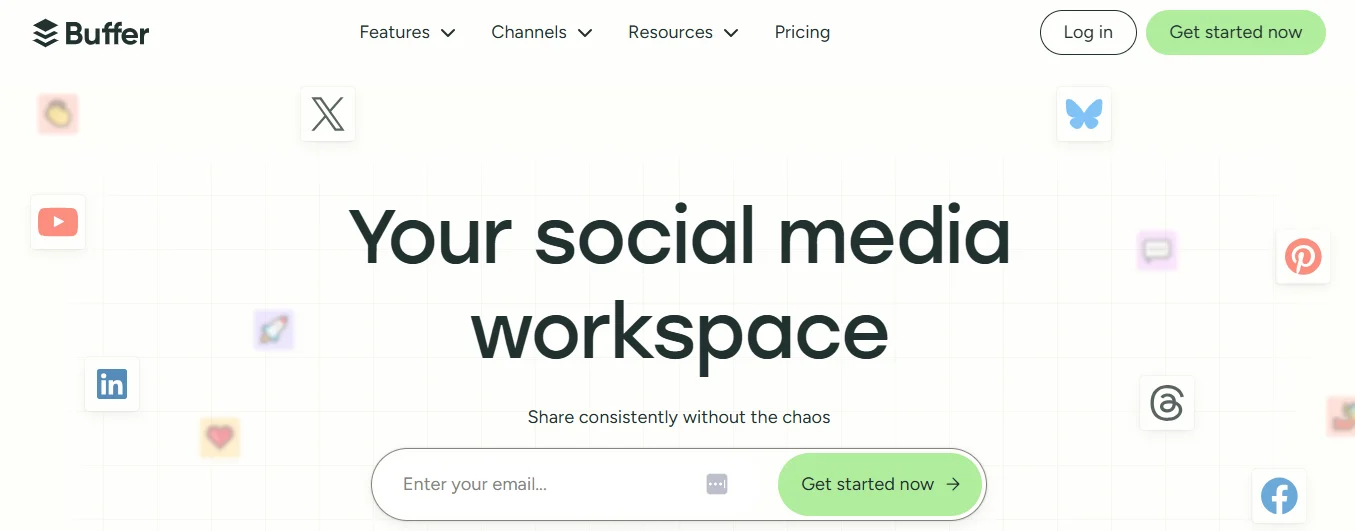
Buffer is known for its simplicity and ease of use. It focuses on helping small teams and individuals plan content without complex workflows.
Planning strengths include:
- Clean and simple content calendar
- Easy post organization
- Minimal learning curve
Additional details:
- Supports common social platforms
- Focuses on straightforward planning
- Suitable for consistent posting schedules
Pros:
- Easy to use
- Suitable for beginners
Cons:
- Limited advanced planning features
- Less customization for large teams
Pricing:
- Offers multiple plans based on usage
Best for:
- Small teams and individual creators
4. SocialPilot
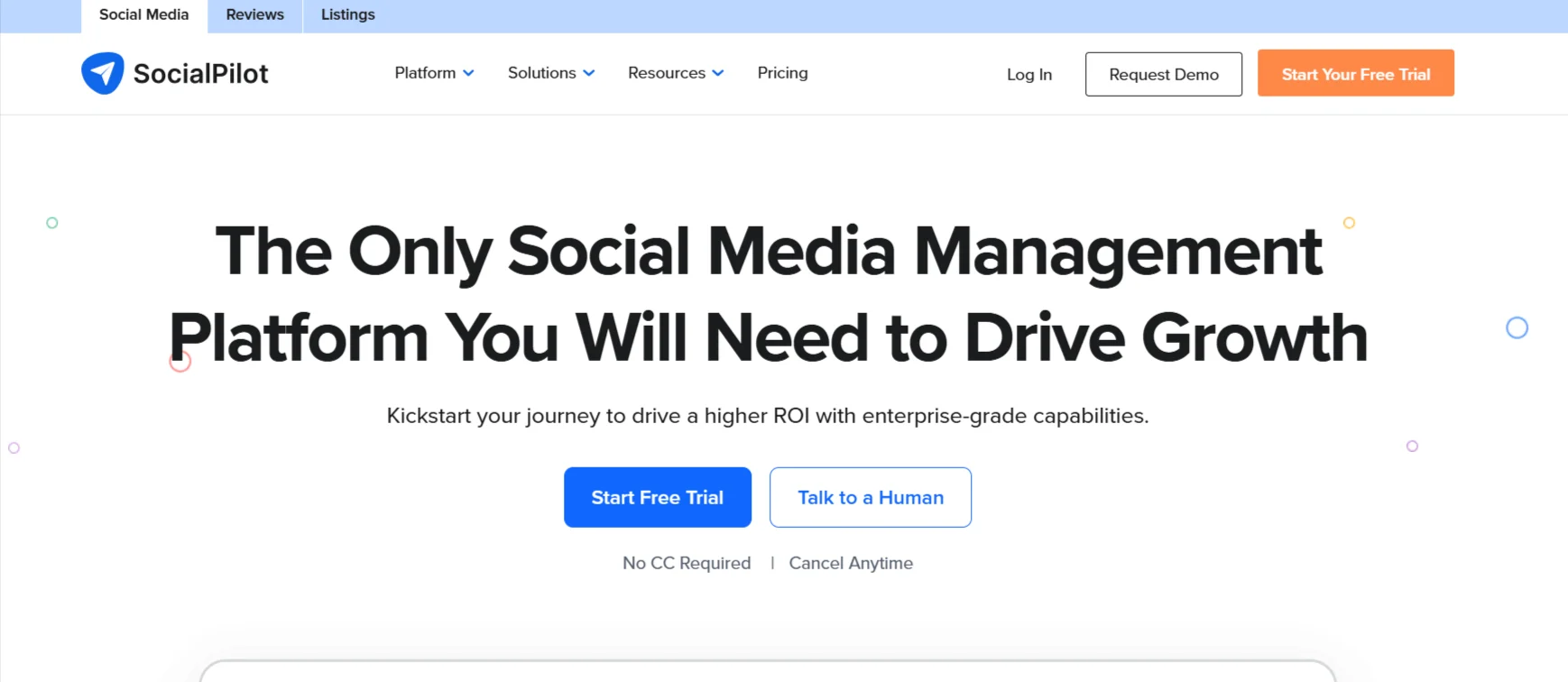
SocialPilot focuses on providing planning features at a more accessible price point. It is often used by small businesses and agencies managing multiple accounts.
Planning capabilities include:
- Multi-account content calendars
- Bulk scheduling support
- Client-oriented planning workflows
Additional details:
- Supports major social platforms
- Designed for managing multiple brands
- Emphasizes affordability
Pros:
- Cost-effective
- Supports multiple accounts
Cons:
- Interface may feel basic
- Fewer advanced planning tools
Pricing:
- Pricing varies by account and feature limits
Best for:
- Budget-conscious teams and agencies
5. Loomly
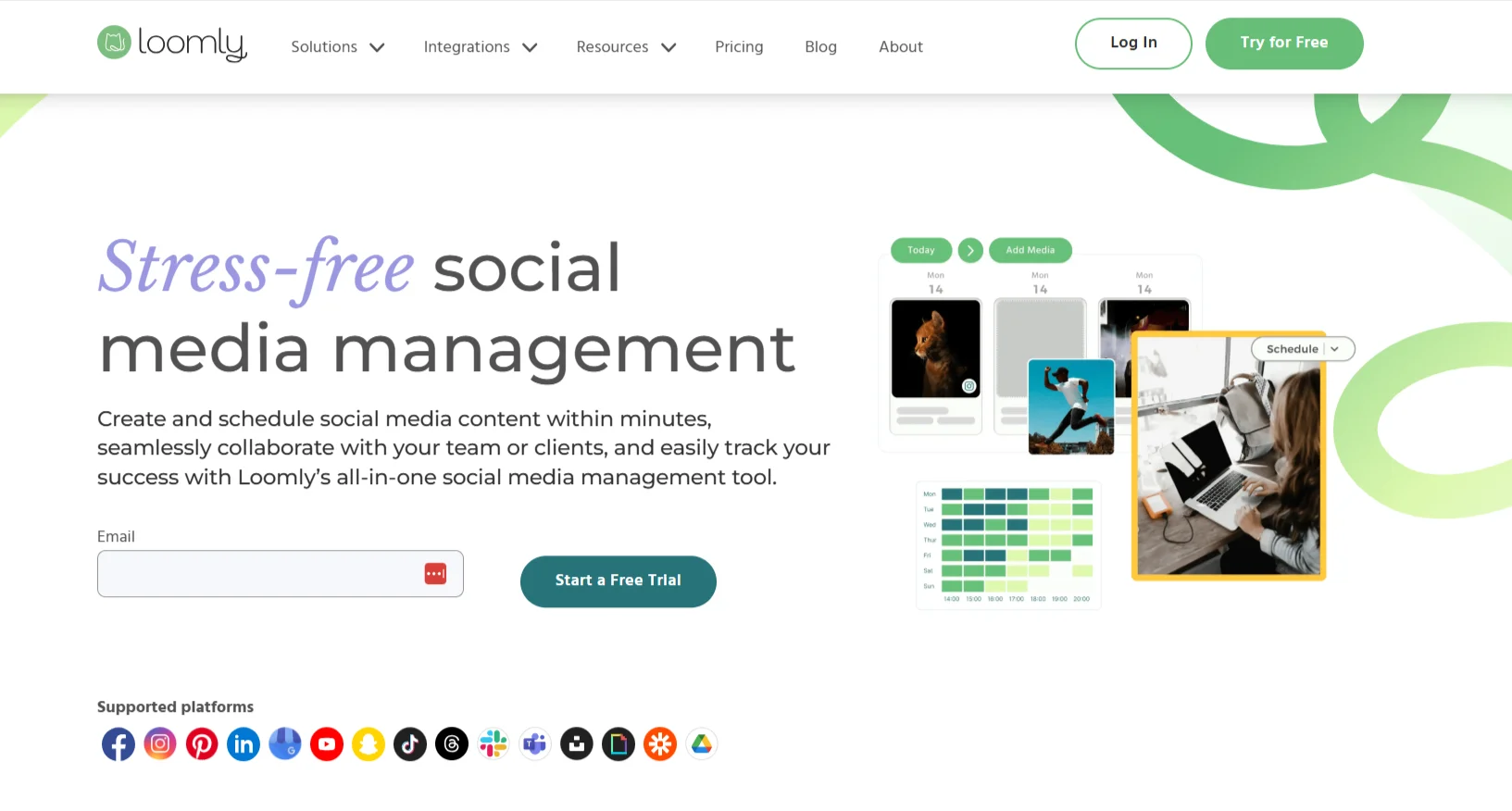
Loomly is built specifically around structured content planning and campaign organization. It emphasizes visual calendars and step-by-step workflows that help teams plan content well in advance.
Loomly is commonly used by teams that prefer a clear overview of campaigns and publishing schedules. Its interface is designed to make content planning easy to understand and manage.
Key planning features include:
- Visual content calendar
- Campaign-based content organization
- Structured approval workflows
- Post ideas and content suggestions
Additional details:
- Supports major social media platforms
- Designed for collaborative planning
- Helps maintain consistent posting schedules
Pros:
- Strong focus on planning and organization
- Easy-to-understand calendar view
Cons:
- Limited advanced analytics
- May feel restrictive for highly customized workflows
Pricing:
- Pricing is tiered based on users and features
Best for:
- Teams focused on structured campaign planning
6. Planable
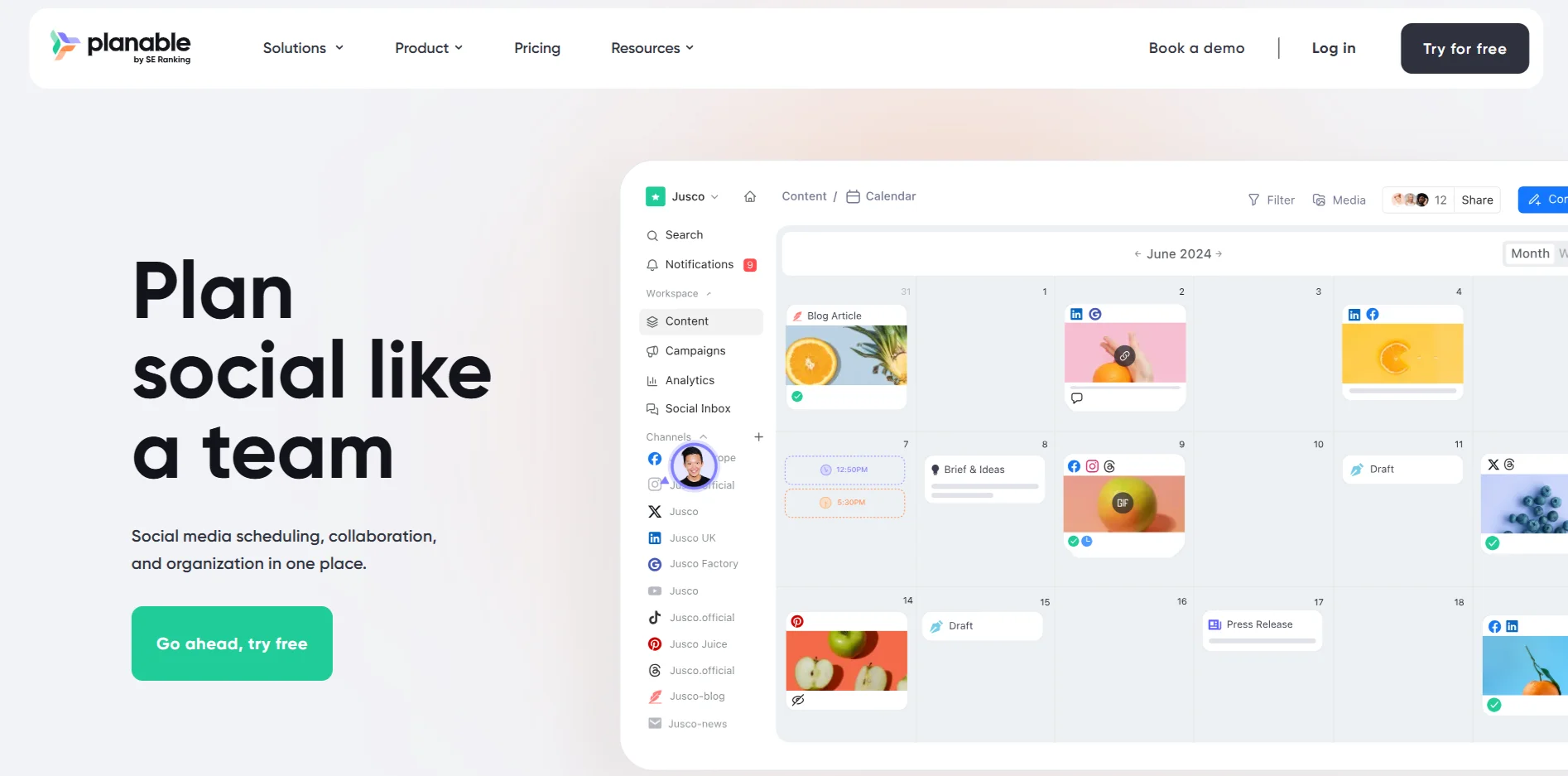
Planable is designed for teams that prioritize collaboration, feedback, and approval processes. Its planning tools focus on helping multiple stakeholders review and approve content before publishing.
The platform allows teams to see exactly how posts will look before they go live, reducing errors and miscommunication during the planning stage.
Key planning features include:
- Real-time collaboration on posts
- Commenting and feedback workflows
- Approval-based publishing
- Visual previews of planned content
Additional details:
- Supports major social media platforms
- Designed for agencies and in-house teams
- Emphasizes transparency in planning
Pros:
- Excellent collaboration features
- Clear approval workflows
Cons:
- Limited advanced automation
- Less suitable for solo users
Pricing:
- Pricing depends on team size and feature access
Best for:
- Teams and agencies with approval-heavy workflows
7. Sprout Social
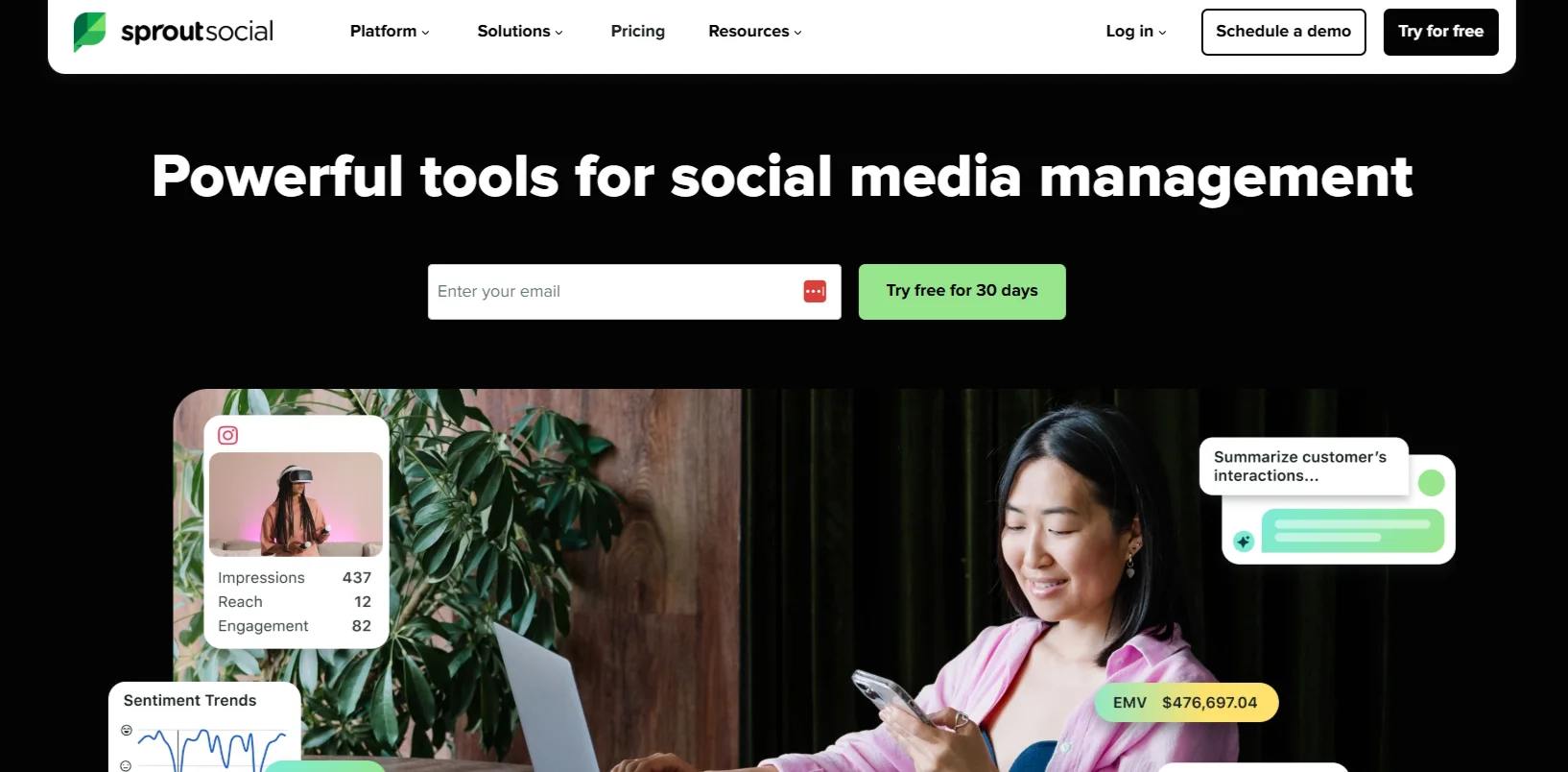
Sprout Social combines planning tools with performance insights, making it suitable for teams that rely on data to guide content decisions. Its planning features are designed to align content calendars with performance trends.
The platform helps teams plan content based on historical engagement and posting patterns rather than guesswork.
Key planning features include:
- Content calendar with performance context
- Planning insights based on engagement data
- Team collaboration tools
- Structured approval processes
Additional details:
- Supports multiple major platforms
- Designed for mid-sized and enterprise teams
- Emphasizes analytics-led planning
Pros:
- Strong data-driven planning capabilities
- Suitable for large teams
Cons:
- Higher cost compared to simpler tools
- More complex setup
Pricing:
- Pricing varies by plan and feature set
Best for:
- Teams that rely on analytics for planning decisions
8. Later
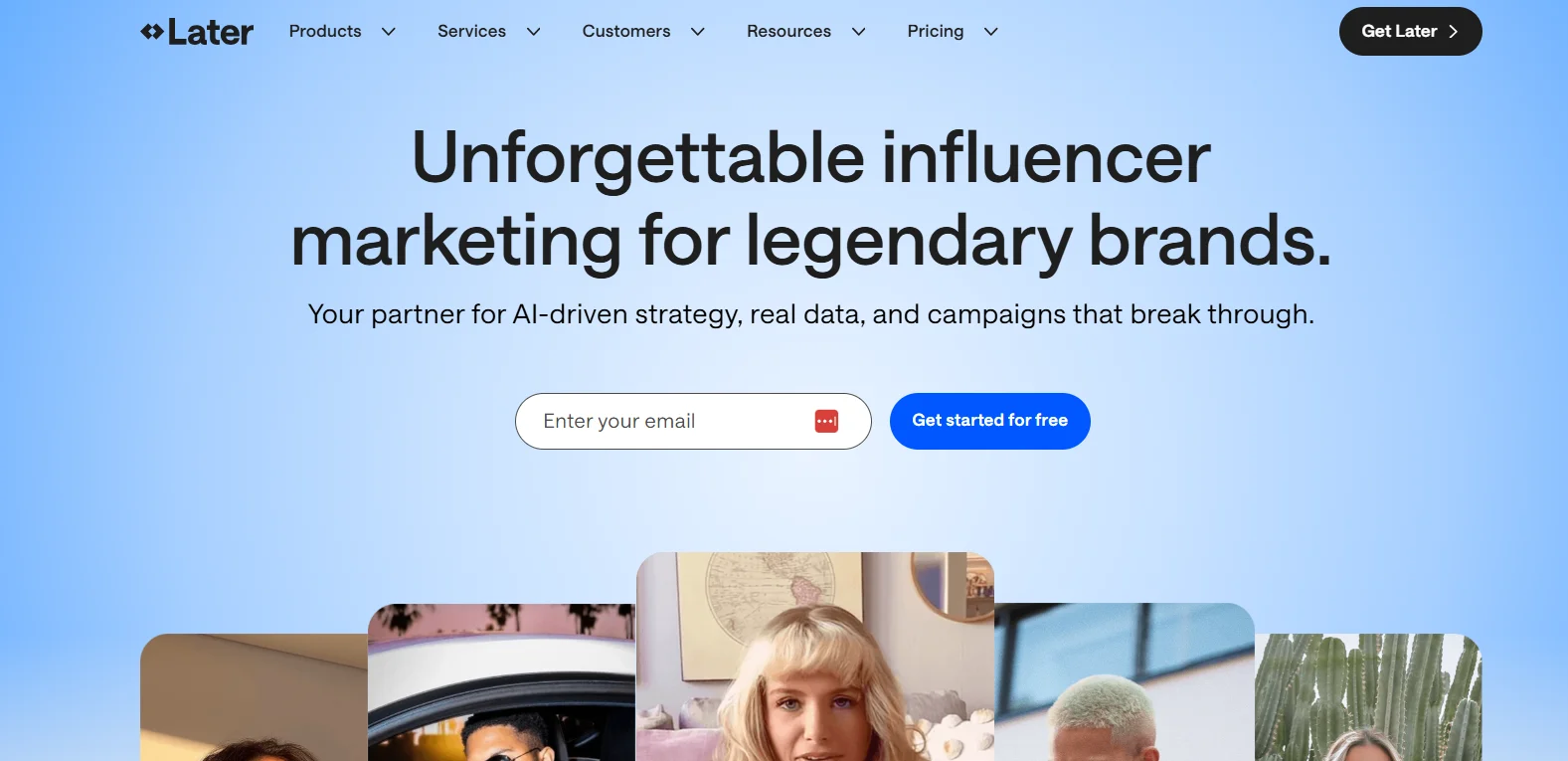
Later is known for its visual-first planning approach. It is widely used by brands and creators who focus on visual platforms and short-form video content.
The platform allows users to plan posts visually, making it easier to maintain consistent aesthetics and content flow across visual platforms.
Key planning features include:
- Visual content calendar
- Media library for images and videos
- Drag-and-drop planning
- Support for short-form video workflows
Additional details:
- Strong focus on visual platforms
- Suitable for creators and visual brands
- Simplifies content organization
Pros:
- Visual planning interface
- Easy media organization
Cons:
- Limited advanced collaboration tools
- Less suitable for text-heavy strategies
Pricing:
- Pricing depends on usage and features
Best for:
- Visual-first brands and creators
9. SocialBee
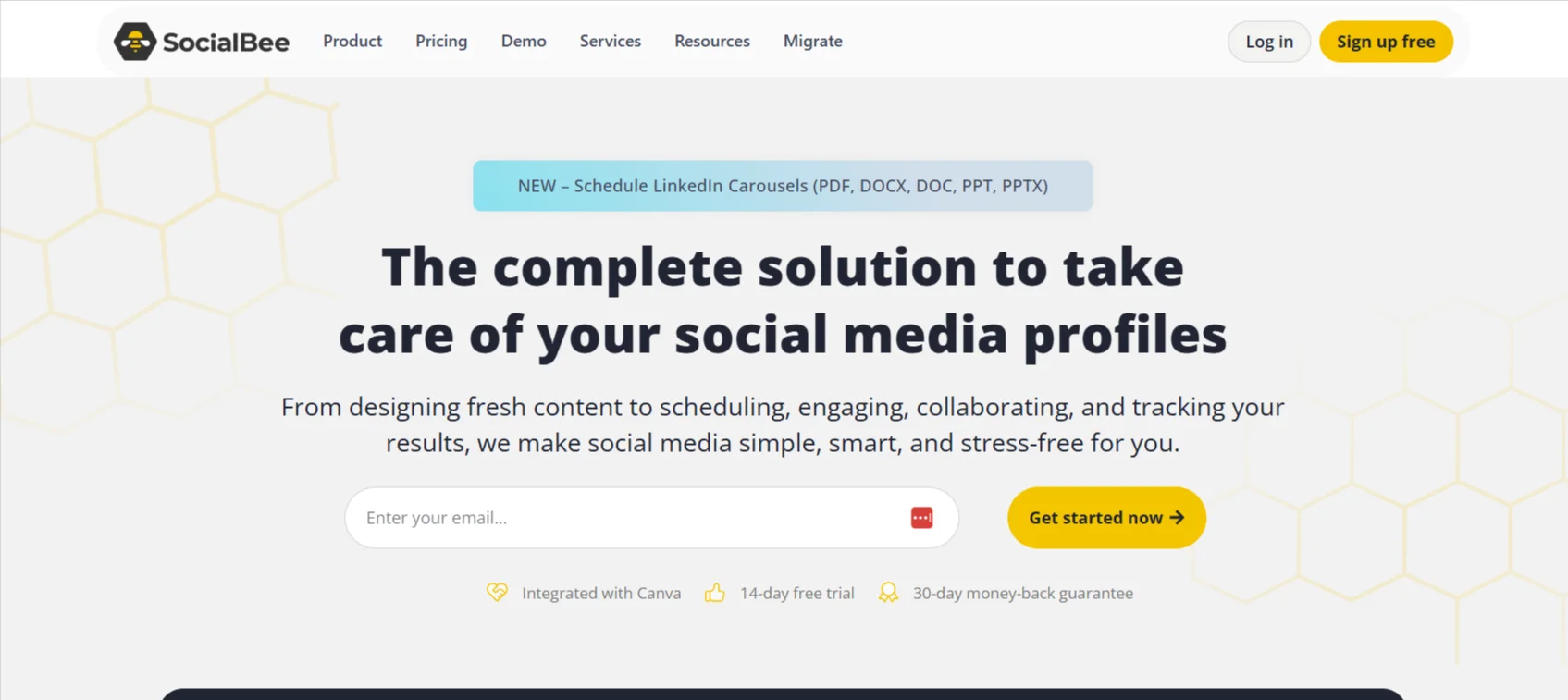
SocialBee is designed to help teams plan and manage evergreen content efficiently. Its planning approach focuses on organizing content into categories and reusing high-performing posts over time.
This tool is commonly used by businesses that want to maintain consistent posting without constantly creating new content. SocialBee emphasizes long-term content planning rather than short-term scheduling.
Key planning features include:
- Content categorization for structured planning
- Evergreen content recycling
- Visual content calendar
- Automation rules for recurring posts
Additional details:
- Supports major social media platforms
- Designed for small to mid-sized teams
- Helps reduce manual content planning efforts
Pros:
- Strong evergreen planning capabilities
- Supports long-term content strategies
Cons:
- Interface may require initial setup time
- Limited advanced analytics
Pricing:
- Pricing varies by plan and feature access
Best for:
- Businesses focused on evergreen content strategies
10. Agorapulse
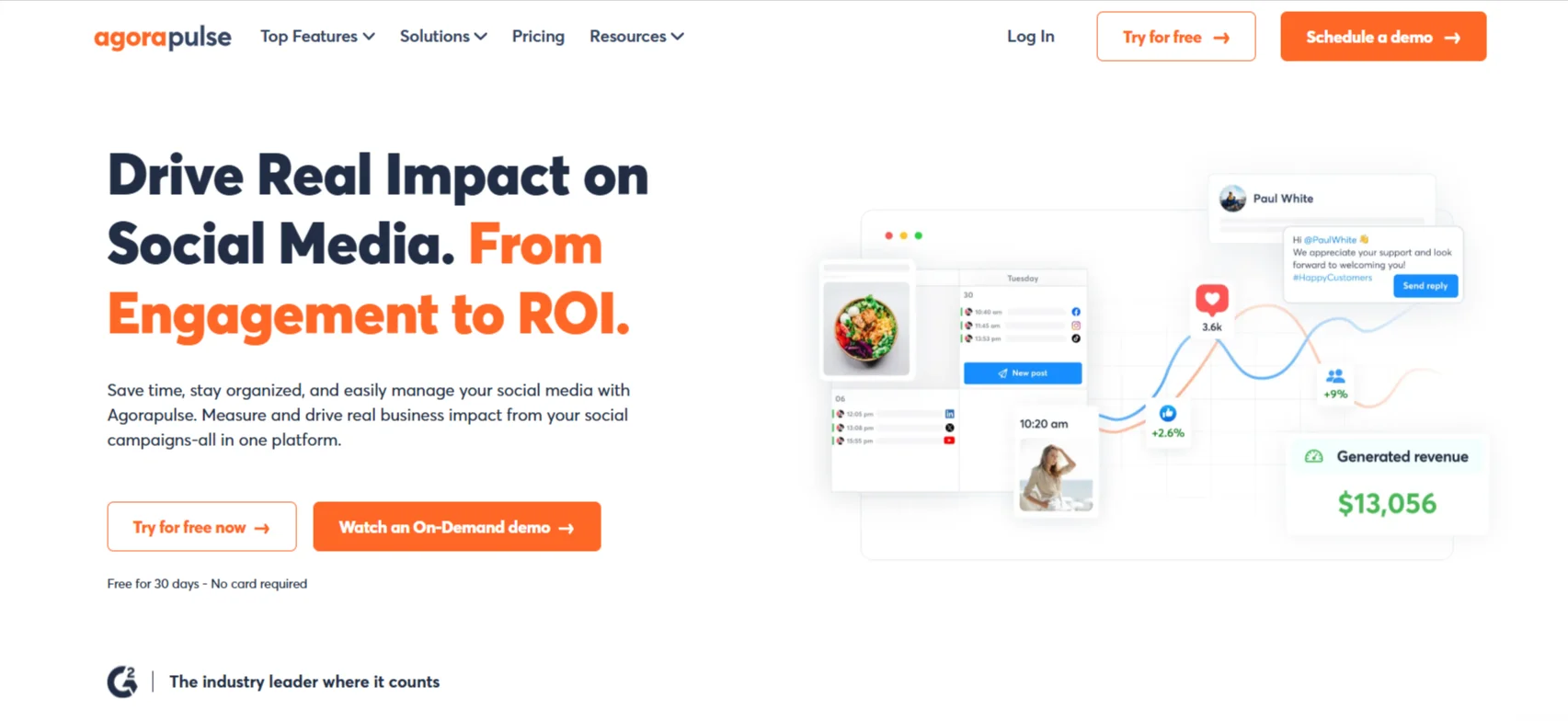
Agorapulse offers planning tools combined with publishing and inbox management. Its planning features are designed to help teams coordinate content calendars while managing ongoing social media activity.
The platform is suitable for teams that want planning and execution within a single system. It provides a clear overview of scheduled content alongside daily publishing tasks.
Key planning features include:
- Unified content calendar
- Team collaboration and approvals
- Post scheduling with planning visibility
- Account-level planning controls
Additional details:
- Supports multiple major platforms
- Designed for teams managing multiple accounts
- Balances planning with execution needs
Pros:
- All-in-one planning and publishing
- Clear calendar overview
Cons:
- Planning features are less specialized
- Can feel complex for small teams
Pricing:
- Pricing depends on plan and team size
Best for:
- Teams looking for integrated planning and publishing
11. CoSchedule
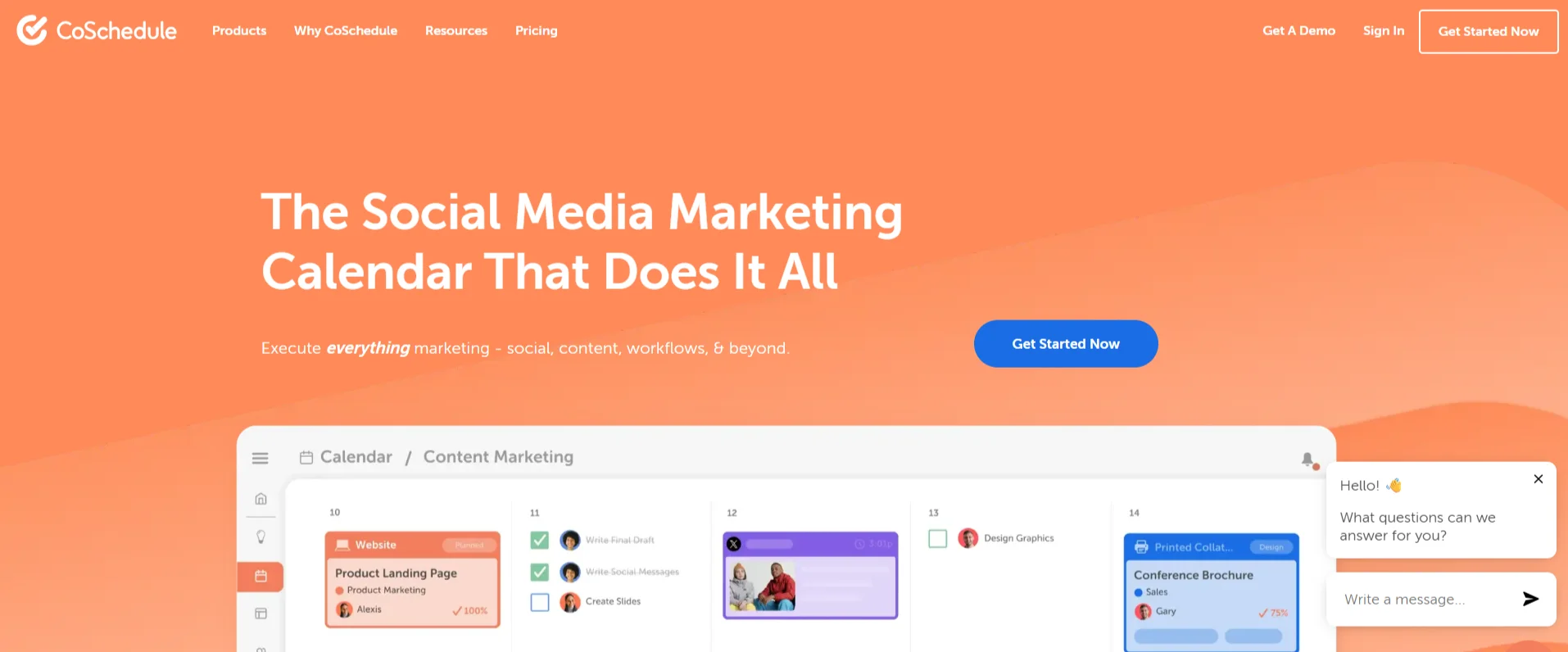
CoSchedule is built around marketing calendars and campaign coordination. It is designed to help teams plan social media content alongside broader marketing activities such as blog publishing and campaign launches.
This tool is often used by marketing teams that want social media planning aligned with overall content and campaign schedules rather than isolated posting.
Key planning features include:
- Centralized marketing calendar
- Campaign-based content planning
- Cross-channel visibility
- Workflow coordination for teams
Additional details:
- Supports integration with content workflows
- Designed for structured marketing teams
- Focuses on long-term planning
Pros:
- Strong campaign-level planning
- Aligns social media with marketing strategy
Cons:
- Less focused on platform-specific optimization
- May be too complex for creators
Pricing:
- Pricing varies by plan and features
Best for:
- Marketing teams planning multi-channel campaigns
Best Social Media Planning Tools by Use Case
Different teams have different planning needs, and no single tool fits every workflow. Choosing a planning tool based on use case helps ensure the platform supports your content volume, collaboration style, and long-term goals.
Best tools by common use cases include:
- Best for small businesses: Tools with simple calendars and affordable pricing that support consistent posting without complex workflows
- Best for agencies: Platforms that offer collaboration, approvals, and multi-account planning
- Best for creators and influencers: Visual planning tools that support short-form video and media organization
- Best for enterprise teams: Scalable tools with role-based access and structured workflows
- Best for visual-first brands: Tools with visual calendars and preview-based planning
How to Choose the Right Social Media Planning Tool
Selecting the right social media planning tool depends on understanding your internal workflows and future needs. A planning-first approach ensures content is aligned with strategy rather than posted reactively.
Key factors to consider include:
- Team size and number of collaborators
- Volume and frequency of content
- Social platforms and content formats used
- Approval and feedback requirements
- Budget and long-term scalability
A tool that matches these factors will support consistent planning and reduce operational friction.
Here’s Part 5, the final part of the blog, completed strictly according to the outline and your rules.
Social Media Planning Trends to Watch in 2026
Social media planning continues to evolve as platforms, algorithms, and audience behavior change. In 2026, planning is becoming more predictive, automated, and closely aligned with performance data rather than intuition alone.
Key planning trends shaping social media workflows include:
- AI-assisted content calendar creation based on historical engagement patterns
- Predictive scheduling that suggests optimal posting times
- Cross-platform content repurposing during the planning stage
- Video-first planning for short-form and visual platforms
- Stronger integration between planning tools and analytics
These trends highlight the shift from reactive posting to structured, insight-driven planning.
FAQs
What is the best social media planning tool for 2026?
The best social media planning tool depends on team size, content volume, and workflow needs. Some tools focus on simplicity, while others are built for collaboration, analytics, or campaign-level planning.
Are social media planning tools worth it?
Social media planning tools are worth it for teams that publish regularly and need consistency. They help reduce manual coordination, improve content organization, and support long-term planning.
Can social media planning tools post automatically?
Most social media planning tools support automatic publishing once content is planned and approved. This allows teams to schedule posts in advance and maintain consistency.
Are free social media planning tools enough?
Free tools can work for individuals or very small teams with basic needs. However, they often lack advanced planning, collaboration, and scalability features.
Do these tools support short-form video?
Many modern planning tools support short-form video formats and visual planning workflows, making them suitable for video-focused strategies.
Conclusion
Social media planning tools have become essential for maintaining consistency, efficiency, and strategic clarity in 2026. As content demands increase across platforms, planning-first workflows help teams stay organized and aligned with their goals.
Choosing the right tool depends on understanding your content strategy, collaboration needs, and long-term growth plans. By selecting a planning-focused platform and using it effectively, businesses, creators, and agencies can build sustainable and scalable social media strategies.