
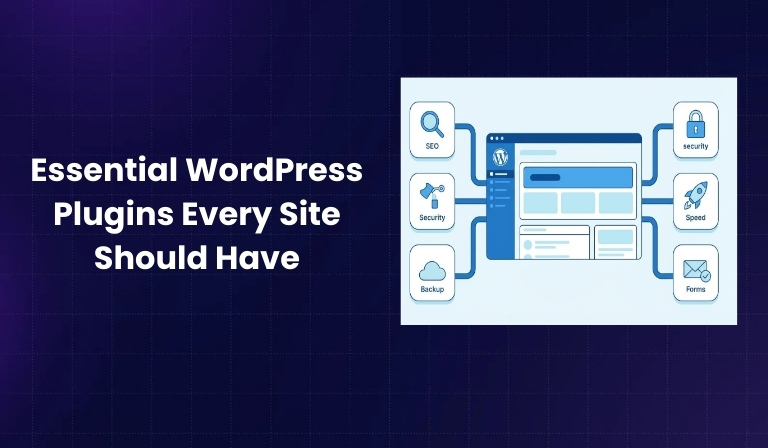

WordPress powers more than 43% of all websites on the internet, making it the most widely used content management system in the world. However, WordPress in its default form is intentionally lightweight. It provides the foundation for publishing content, but it does not offer advanced security, performance optimization, SEO tools, backups, or lead generation features out of the box.
This is where plugins become essential. Without the right plugin strategy, WordPress websites often face slow loading speeds, security vulnerabilities, poor search visibility, unreliable backups, and limited functionality. Many website failures are not caused by WordPress itself, but by missing or poorly chosen plugins.
This guide provides a comprehensive breakdown of essential WordPress plugins every site should have, clearly explaining why each category matters, what role the plugins play, and when free or premium versions make sense. The blog covers nine critical plugin categories that directly impact website security, performance, SEO, user experience, and business growth.
Why WordPress Plugins Are Essential to Website Success
WordPress alone is designed to be flexible rather than feature-heavy. This design choice allows site owners to customize their website based on their specific needs instead of being locked into unnecessary functionality.
Plugins extend WordPress without requiring custom development. They allow you to add complex features—such as SEO optimization, caching, security firewalls, backups, forms, and ecommerce—using tools that are tested across millions of websites.
When selected carefully, plugins directly influence:
- Search engine rankings through SEO optimization
- Website speed and Core Web Vitals
- Protection against hacking, malware, and spam
- Lead generation and conversion tracking
- Overall user experience and reliability
However, plugins also introduce risk if chosen incorrectly. Poorly maintained plugins can slow down your site, conflict with other tools, or expose security vulnerabilities. This guide focuses on proven, trustworthy plugins with strong adoption, regular updates, and reliable developer reputations.
SEO Plugins: Essential for Search Visibility
Why Every WordPress Site Needs SEO Optimization
Search engine optimization is not optional for websites that rely on organic traffic. SEO plugins help WordPress sites communicate clearly with search engines by managing technical and on-page SEO elements.
Without an SEO plugin, important tasks like generating XML sitemaps, optimizing meta titles, adding structured data, and managing redirects require manual configuration or developer support. SEO plugins automate these processes and reduce the risk of technical SEO errors.
SEO plugins are responsible for:
- Helping search engines crawl and index your site correctly
- Optimizing page titles and meta descriptions
- Implementing schema markup for enhanced search results
- Managing redirects and broken links
- Improving content structure and readability
Top 5 SEO Plugins
- Yoast SEO

Yoast SEO is one of the most widely adopted SEO plugins for WordPress. It focuses on making SEO understandable for beginners while still supporting advanced use cases.
Yoast helps users optimize individual pages by providing real-time feedback on content structure, keyword usage, and readability. It also automatically generates XML sitemaps and manages meta tags across the site. The free version is sufficient for most websites, while the premium version adds internal linking suggestions and advanced redirect management.
- All-in-One SEO
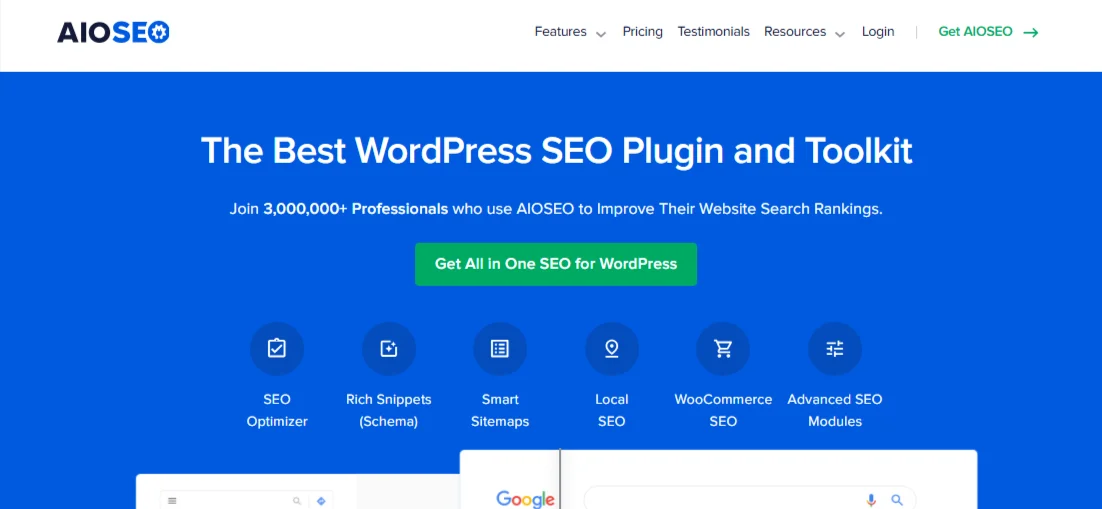
All-in-One SEO is designed as a complete SEO toolkit. It offers strong automation and structured data capabilities, making it suitable for business websites and content-heavy platforms.
This plugin allows users to implement schema markup without custom coding and provides SEO audits that highlight issues affecting rankings. Its premium version adds advanced reporting, automation, and local SEO features, making it suitable for growing sites.
- SEOPress
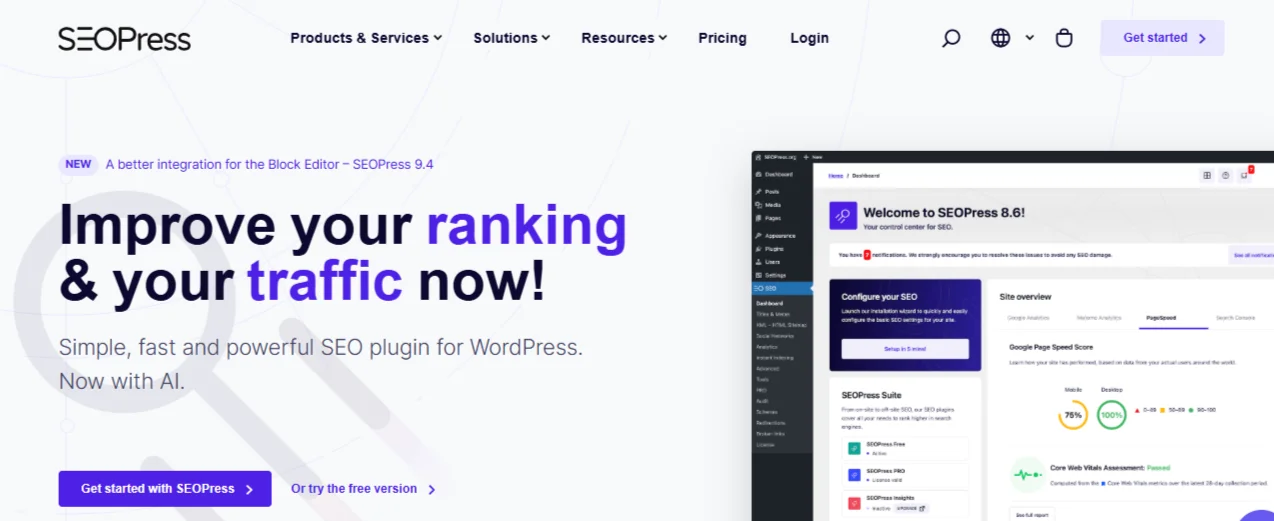
SEOPress is a clean, lightweight SEO plugin that offers a strong balance between features and performance. It is particularly popular among WooCommerce and content-focused websites.
SEOPress supports local SEO, ecommerce SEO, redirects, and structured data. Its free version includes many features that are paid elsewhere, while the premium version expands automation and integration options.
- The SEO Framework
The SEO Framework focuses on automation and performance. Instead of manual configuration, it automatically generates optimized meta data based on content structure.
This plugin is known for its minimal resource usage and clean output. It is ideal for websites that prioritize speed and want SEO handled quietly in the background. The premium extension adds deeper control and automation options.
- Squirrly SEO

Squirrly SEO is built for content creators who want guidance during the writing process. It integrates keyword research and competitive analysis directly into WordPress.
The plugin provides real-time optimization suggestions while creating content. The free version offers basic optimization, while the premium version unlocks deeper research and ranking insights.
Security Plugins: Protecting Your Website from Threats
Why WordPress Security Cannot Be Overlooked
Because WordPress is widely used, it is a frequent target for automated attacks, malware injections, and plugin vulnerabilities. Security breaches can lead to stolen data, website defacement, search engine penalties, and long-term reputational damage.
Security plugins act as a protective layer around your website. They monitor activity, block malicious traffic, and alert site owners to potential vulnerabilities before damage occurs.
Core security plugin responsibilities include:
- Preventing brute-force login attempts
- Scanning files for malware and unauthorized changes
- Monitoring plugin and theme vulnerabilities
- Blocking malicious IP addresses
Top Security Plugins
- Wordfence Security
Wordfence provides firewall protection, malware scanning, and login security in a single plugin. Its free version includes essential protections, while the premium version adds real-time threat intelligence.
Wordfence is trusted because of its transparency, frequent updates, and strong vulnerability research background. It is suitable as a primary security solution for most WordPress sites.
- Sucuri Security

Sucuri focuses on monitoring and integrity checks rather than acting as a full firewall in its free version. It is commonly used as a secondary layer of defense alongside another security plugin.
The premium version adds active firewall protection and malware cleanup services, making it useful for high-risk or business-critical sites.
- Patchstack

Patchstack specializes in detecting vulnerabilities in plugins and themes. Instead of blocking traffic, it alerts site owners when known vulnerabilities are discovered.
It is best used as a supplement to firewall-based plugins to improve awareness and response time.
Performance & Caching Plugins: Speed Optimization
Why Website Speed Matters
Website speed directly affects user experience, search rankings, and conversions. Slow websites frustrate users and increase bounce rates, while fast websites keep visitors engaged.
Performance plugins optimize how content is delivered by caching pages, reducing file sizes, and minimizing unnecessary processing.
Key optimization tasks include:
- Page caching
- Script minification
- Media lazy loading
- Database optimization
Top Performance Plugins
- Performance Lab
Performance Lab is developed by the WordPress Performance Team and introduces experimental performance features. It is free and often acts as a preview of future WordPress improvements.
- WP Rocket

WP Rocket is a premium performance plugin designed to work out of the box. It simplifies caching and optimization without requiring technical configuration.
- W3 Total Cache
W3 Total Cache is a powerful free plugin offering deep control over caching and optimization. It is suitable for users comfortable managing performance settings.
Backup & Disaster Recovery Plugins
Why Website Backups Are Non-Negotiable
Backups protect websites from hacking, server failures, and human error. Without backups, restoring a website can take days or may not be possible at all.
Backup plugins automate this process and ensure copies of your site are stored safely.
Key backup features include:
- Scheduled backups
- Secure off-site storage
- One-click restoration
- Migration support
Top Backup Plugins
- UpdraftPlus

UpdraftPlus offers simple, reliable backups with a strong free version. It is suitable for most small and medium websites.
- BlogVault
BlogVault provides real-time incremental backups and staging environments. It is trusted by managed hosting providers.
- Jetpack VaultPress Backup
Jetpack VaultPress is designed for mission-critical websites and WooCommerce stores, offering real-time encrypted backups.
Contact Form Plugins
Why Theme Forms Are Not Enough
Built-in theme forms lack flexibility, integrations, and advanced security features. Dedicated form plugins support professional lead generation and data collection.
Key capabilities include conditional logic, payment processing, CRM integration, and spam protection.
Top Contact Form Plugins

- WPForms – Easy-to-use form builder with templates
- Gravity Forms – Advanced workflows and integrations
- Ninja Forms – Modular and flexible system
- Formidable Forms – Performance and accessibility focused
Image Optimization Plugins
Why Image Optimization Is Critical
Images often account for most of a page’s file size. Image optimization plugins compress files and convert them to modern formats without reducing quality.
Key benefits include faster load times, improved Core Web Vitals, and better mobile performance.
Top options include EWWW Image Optimizer, Smush, and ShortPixel.
Spam Protection Plugins
Why Spam Protection Is Essential
Spam wastes server resources and creates security risks. Spam plugins filter unwanted submissions before they reach your site.
Top solutions include Akismet Anti-Spam and Advanced Google reCAPTCHA.
Search Engine Plugins
Why WordPress Search Needs Improvement
Default WordPress search struggles with relevance and accuracy. Search plugins improve discovery through better indexing and sorting.
Top plugins include Relevanssi, Ajax Search Lite, and SearchWP.
Website Staging Plugins
Why Staging Is Essential
Staging environments allow safe testing of updates and changes before deployment.
Top options include WP Staging and WP Stagecoach.
Plugin Selection Framework
Choose plugins based on your website type, security needs, performance requirements, and long-term goals. Prioritize stability, support, and update frequency over feature count.
Plugin Security Best Practices
Install plugins only from trusted sources, keep them updated, remove unused tools, and monitor vulnerabilities regularly.
Conclusion
Plugins are the backbone of a successful WordPress website. The right combination improves security, performance, visibility, and usability. The wrong combination introduces risk.
You don’t need many plugins—you need the right ones. Focus on security and performance first, then expand functionality strategically. Quality and planning, not quantity, define long-term WordPress success.

Passionate about blogging and focused on elevating brand visibility through strategic SEO and digital marketing. Always tuned in to the latest trends, I’m dedicated to maximizing engagement and delivering measurable ROI in the dynamic world of digital marketing. Let’s connect and unlock new opportunities together!