
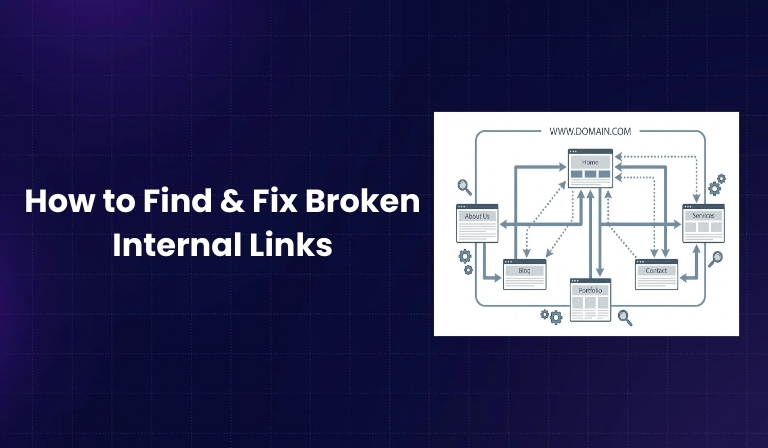

Internal linking is one of the most important parts of website SEO. It helps users move easily from one page to another and helps search engines understand your website structure. But as websites grow, change, and update over time, internal links often break without anyone noticing.
In 2026, websites are larger, more dynamic, and more frequently updated than ever before. This makes broken internal links a common but serious problem. If these links are not fixed on time, they can hurt user experience, waste crawl budget, and reduce your website’s SEO performance.
In this blog, you will learn what internal links are, why they break, how to find broken internal links, and how to fix them properly using simple and proven methods.
What Are Internal Links?
Internal links are links that connect one page of a website to another page on the same website. They help users navigate your site and guide search engines to important pages.
In simple terms, when a page on your website links to another page within the same domain, that link is called an internal link.
Internal links are different from external links. External links point to pages on other websites, while internal links keep users inside your website.
Key roles of internal links:
- Help users find related content easily
- Help search engines discover and crawl pages
- Pass link value from one page to another
- Create a clear website structure
What Are Broken Internal Links?
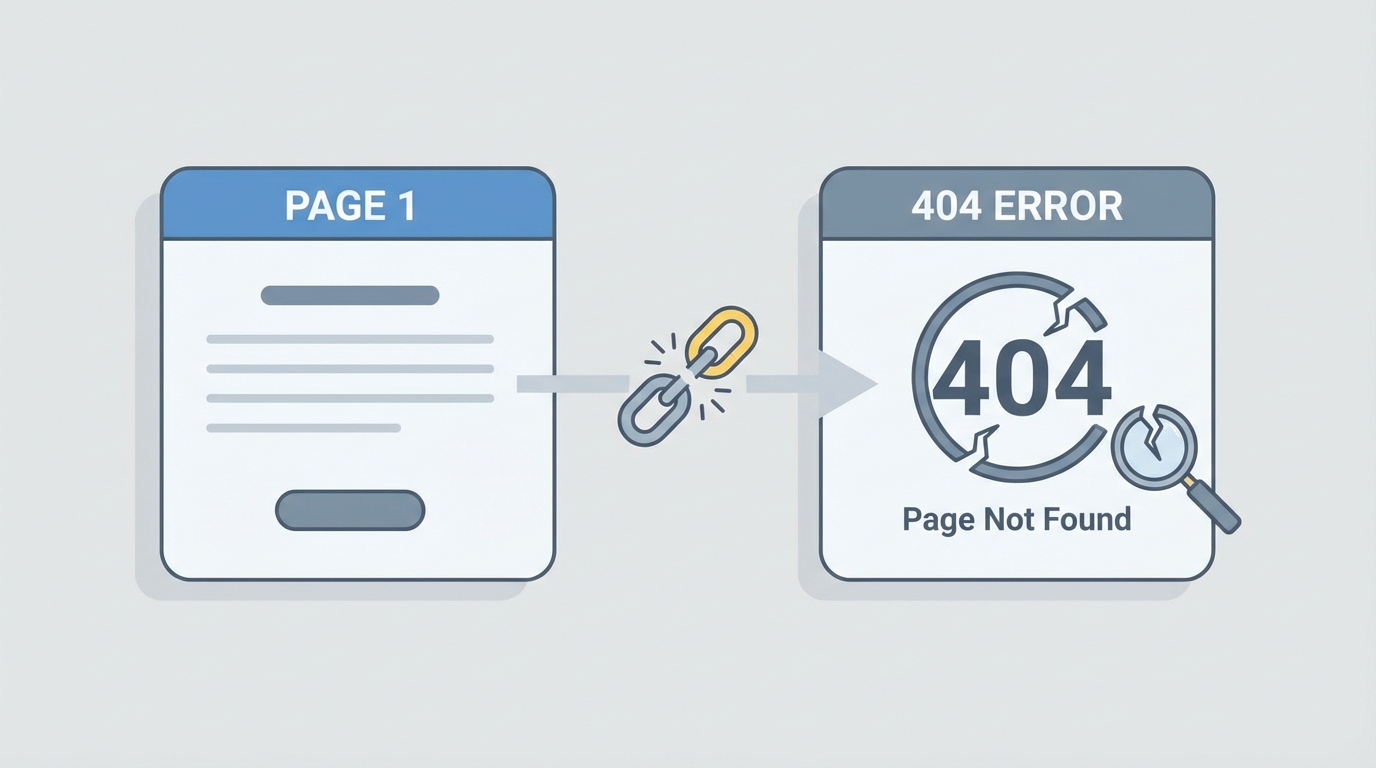
Broken internal links are internal links that point to pages that no longer exist or cannot be accessed. When users or search engines click on these links, they usually see an error page instead of the expected content.
A broken internal link commonly leads to an error status like:
- 404 (Page Not Found)
- 410 (Page Permanently Removed)
These broken links usually appear when a page is deleted, its URL is changed, or the link is typed incorrectly. Over time, even well-managed websites can collect many broken internal links if regular checks are not done.
Why Broken Internal Links Are Bad for SEO
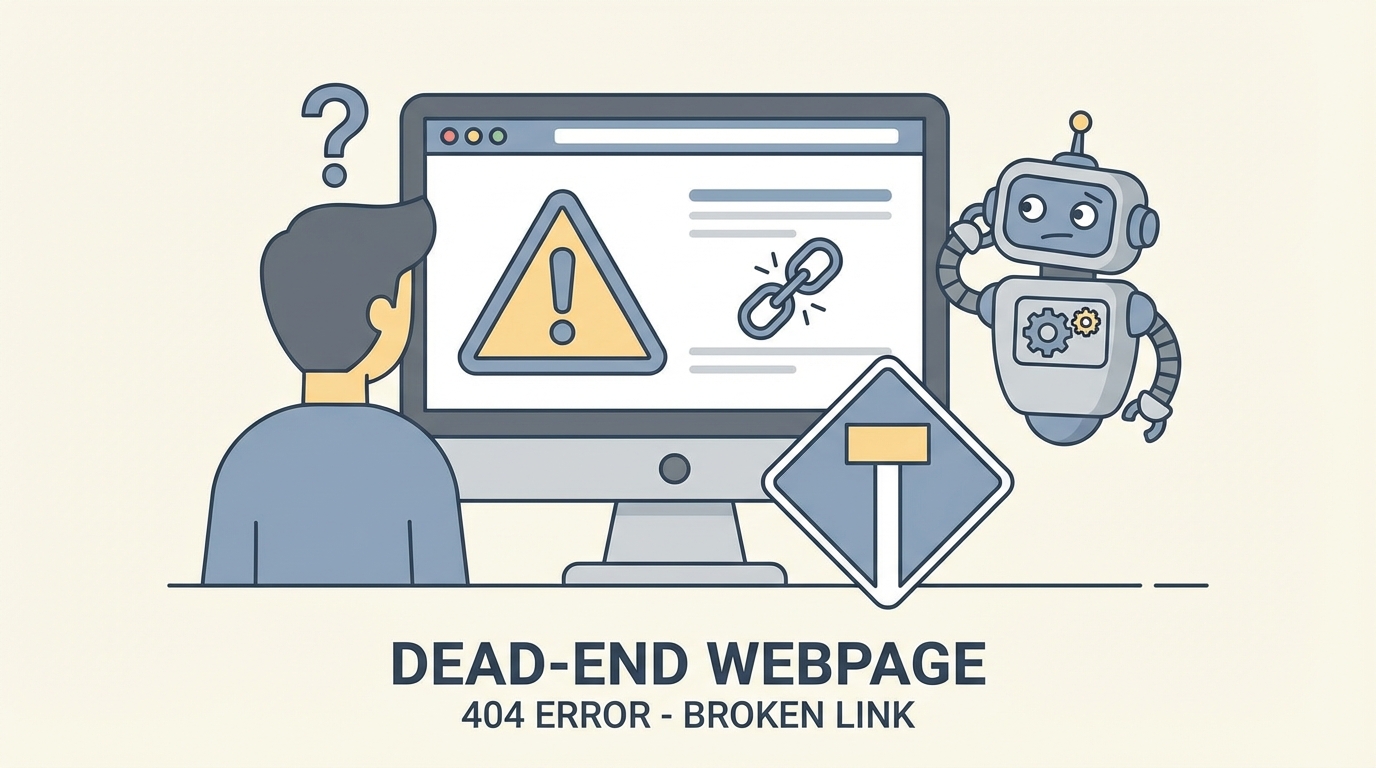
Broken internal links create problems for both users and search engines. They may seem small, but their impact can be serious if ignored.
Why broken internal links hurt SEO:
- Search engines waste crawl budget on non-existing pages
- Important pages may not get enough internal link value
- Users face dead ends, increasing bounce rates
- Website structure becomes weak and confusing
- Trust and credibility of the site are reduced
When search engines find too many broken links, it can signal poor website maintenance, which may affect rankings over time.
Common Causes of Broken Internal Links
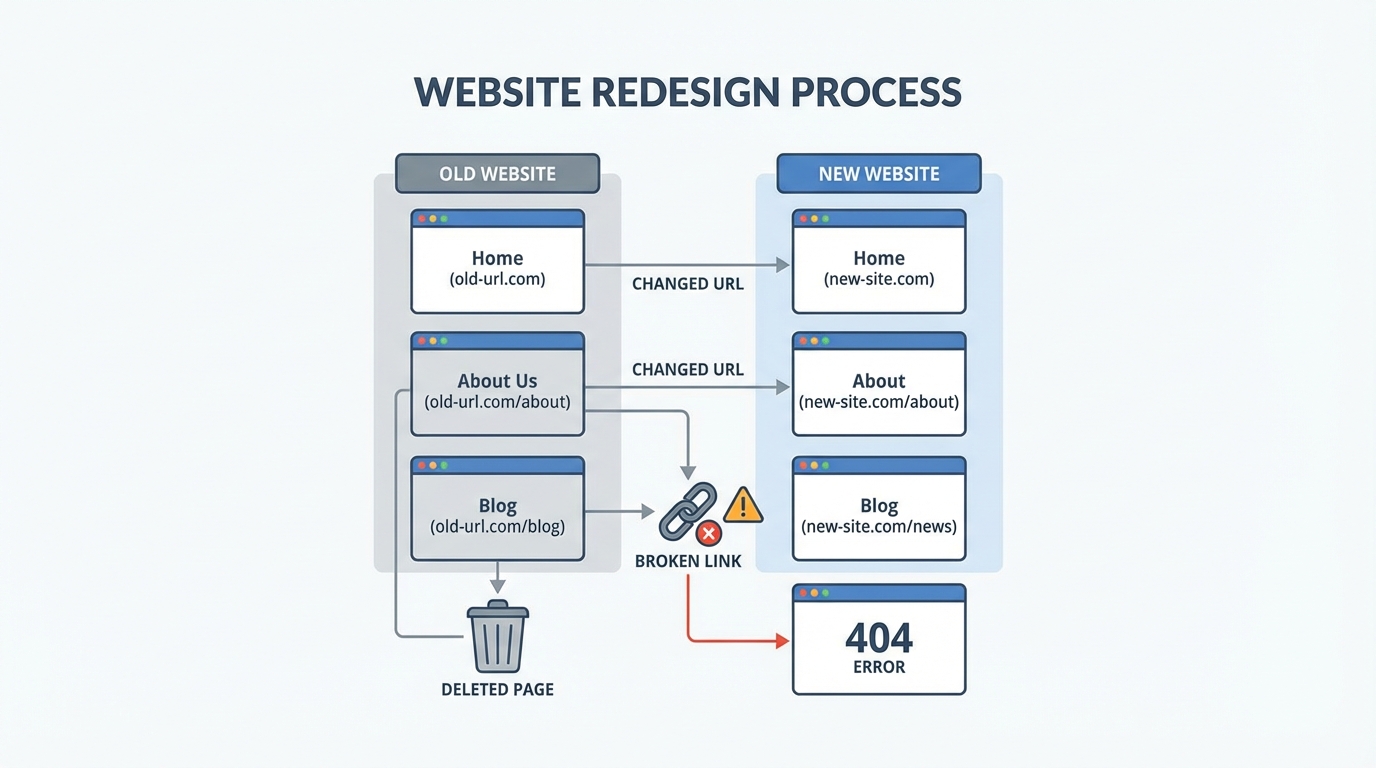
Broken internal links usually appear due to changes made on the website without updating old links.
Most common reasons include:
- Changing URLs without adding redirects
- Deleting or unpublishing old pages
- Website redesigns or CMS migrations
- Manual linking mistakes
- Incorrect use of relative URLs
These issues often happen during content updates or technical changes, especially when internal link checks are skipped.
How to Find Broken Internal Links
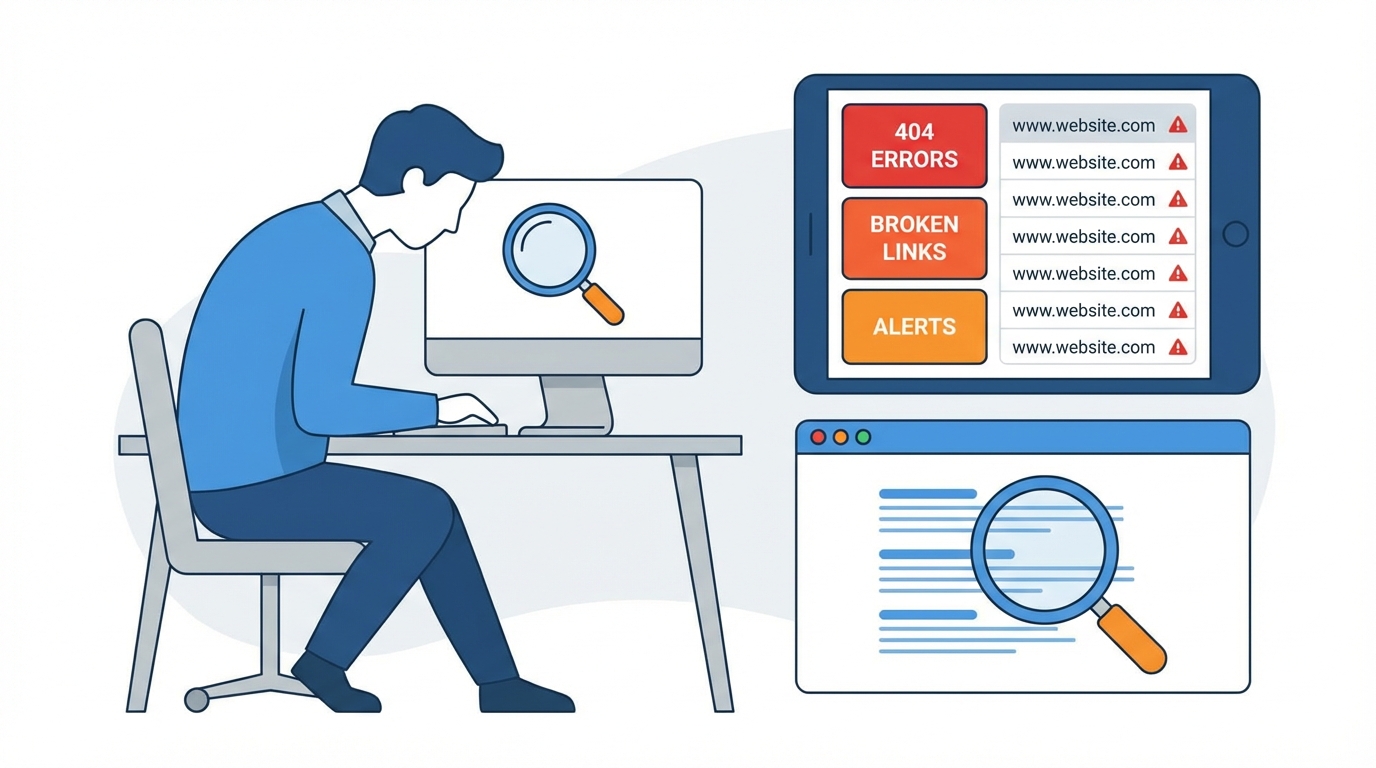
Finding broken internal links is the first step to fixing them. In 2026, there are multiple reliable ways to identify these issues.
Using Google Search Console
Google Search Console helps website owners see how Google views their site. It reports crawl errors where internal links point to missing pages.
What you can find here:
- Pages returning “Not Found” errors
- URLs that Google tried to crawl but failed
- Internal linking issues affecting indexation
This method is reliable but may not always show every broken internal link on your site.
Using Website Crawling Tools
Website crawlers scan your entire website the same way search engines do. Tools like Screaming Frog are widely used to detect broken internal links quickly.
Benefits of using crawling tools:
- Full website scan in one report
- Clear list of broken internal links
- Shows source pages and destination URLs
- Useful for small and large websites
This is one of the most accurate ways to find broken internal links.
Using SEO Audit Tools
All-in-one SEO tools can also detect broken internal links as part of technical audits. Platforms like Ahrefs and SEMrush provide detailed internal link reports.
Advantages of SEO audit tools:
- Combines link data with SEO insights
- Helps prioritize important pages
- Tracks issues over time
- Useful for ongoing monitoring
These tools are especially helpful for growing or content-heavy websites.
Manual Checking (For Small Websites)
For very small websites, manual checking may still work. This involves clicking links page by page and identifying errors.
When manual checks make sense:
- Websites with very few pages
- Newly launched websites
- One-time quick reviews
However, this method is slow, error-prone, and not suitable for large websites.
How to Fix Broken Internal Links
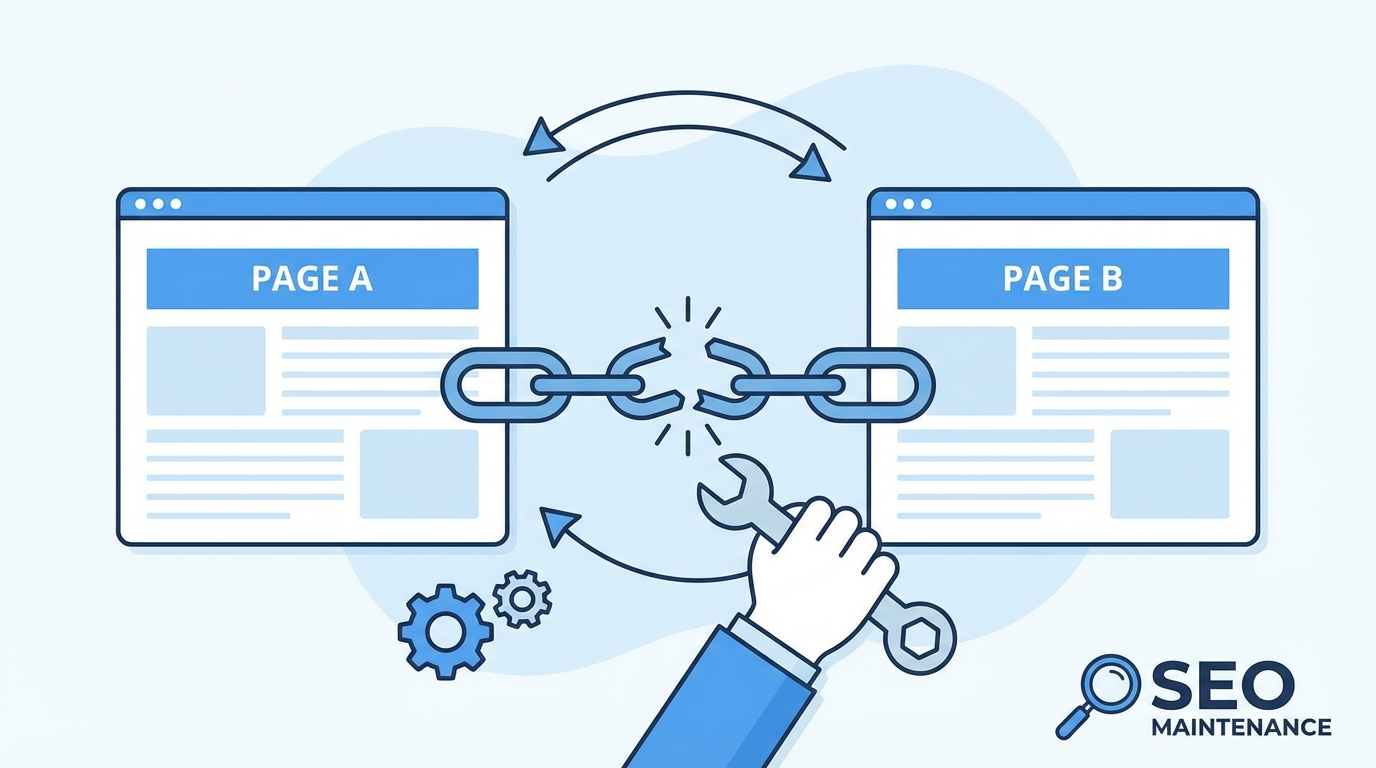
Once broken internal links are identified, fixing them correctly is critical for SEO and user experience.
Update or Replace the Broken URL
The simplest solution is to update the broken link with the correct or latest URL.
Best practices for updating links:
- Link to the most relevant live page
- Keep anchor text natural and meaningful
- Avoid linking to outdated content
This method works best when a similar or updated page already exists.
Set Up 301 Redirects
When a page has been permanently moved or replaced, a 301 redirect should be used. This sends users and search engines from the old URL to the new one.
Why 301 redirects are important:
- Preserve SEO value
- Maintain user experience
- Prevent repeated crawl errors
Redirects are essential during site migrations or URL structure changes.
Remove Unnecessary Links
If a page no longer exists and has no replacement, removing the internal link may be the best option.
When to remove links:
- Content is outdated or irrelevant
- Page no longer serves a purpose
- Link adds no value to users
Cleaning up links helps keep your website structure clean and focused.
Fix Navigation and Footer Links
Broken links in menus, headers, or footers are especially harmful because they appear site-wide.
Why navigation links matter:
- Used frequently by users
- Crawled often by search engines
- Control access to important pages
Always ensure your main navigation and footer links point to live, important pages.
Best Practices to Prevent Broken Internal Links
Preventing broken internal links is easier than fixing them repeatedly.
Effective prevention methods include:
- Regular internal link audits
- Consistent URL naming rules
- Proper redirect management
- Updating links during content refresh
- Internal link checks before publishing
A proactive approach saves time and protects SEO performance.
Internal Linking Best Practices for SEO in 2026
Internal linking is not just about avoiding errors. It is also about building a strong and logical structure.
Modern internal linking best practices:
- Use contextual links within content
- Link from high-authority pages to key pages
- Avoid excessive internal links on one page
- Focus on user intent and relevance
- Maintain a clear site hierarchy
These practices help both users and search engines navigate your website efficiently.
How Often Should You Check for Broken Internal Links?
The frequency of checks depends on website size and activity level.
Recommended checks:
- Small websites: every 2–3 months
- Medium websites: monthly
- Large or dynamic websites: weekly or automated
Regular checks prevent small issues from becoming major SEO problems.
Tools Checklist for Managing Internal Links
Having the right tools makes internal link management easier and more reliable.
Essential tool categories:
- Website crawling tools
- SEO audit platforms
- CMS link management plugins
- Analytics and monitoring tools
Using a combination of these tools ensures complete internal link control.
Conclusion
Broken internal links may look like a small technical issue, but they have a big impact on SEO and user experience. In 2026, where websites are constantly evolving, regular internal link maintenance is no longer optional.
By understanding what internal links are, why they break, how to find broken internal links, and how to fix them properly, you can keep your website clean, crawlable, and user-friendly.
Making internal link audits a regular habit will help your website stay strong, organized, and competitive in search results over the long term.

Passionate about blogging and focused on elevating brand visibility through strategic SEO and digital marketing. Always tuned in to the latest trends, I’m dedicated to maximizing engagement and delivering measurable ROI in the dynamic world of digital marketing. Let’s connect and unlock new opportunities together!