

Google Business Profile plays a central role in how local businesses appear in Google Search and Google Maps in 2026. As search results continue to prioritize location-based answers, business profiles often become the first interaction a customer has with a brand. Many users now make decisions without visiting a website, relying instead on business listings to check reviews, hours, photos, and contact details. This guide explains how to correctly set up and optimize a Google Business Profile using proven, supportable practices that align with Google’s published guidelines and long-standing local SEO principles.
What Is Google Business Profile?
Google Business Profile is a free tool provided by Google that allows businesses to manage how they appear across Google Search and Google Maps. It acts as a verified source of business information and helps Google understand what a business does, where it operates, and how customers interact with it. Over time, the platform has evolved from a simple directory listing into a dynamic business profile with features for updates, customer engagement, and performance tracking.
Why Google Business Profile Is Critical for Local SEO in 2026
Google Business Profile remains one of the strongest local ranking factors because it directly feeds Google’s local results. When users search for nearby products or services, Google relies on verified business profiles to deliver accurate and relevant answers. Profiles that are complete, accurate, and active tend to receive better visibility and higher engagement. For many businesses, the profile generates calls, direction requests, and website visits without any paid advertising.
What You Need Before Setting Up a Google Business Profile
Before creating a profile, a business must meet Google’s eligibility requirements and prepare accurate information. Google requires businesses to provide real, verifiable details that reflect how they operate in the offline world. This ensures trust and consistency across search results.
- A Google account that will be used to manage the business
- A business that serves customers in person or within a defined service area
- Official business name used in real-world branding
- Physical address or service-area details, depending on business type
- Working phone number and, if available, a website URL
- Clear understanding of the primary business category
Step-by-Step Guide to Setting Up a Google Business Profile in 2026
Setting up a Google Business Profile involves creating or claiming a listing and verifying ownership. Each step helps Google confirm the legitimacy of the business and ensures accurate representation.
Create or Claim Your Business Profile
If a business already exists in Google Maps, it should be claimed rather than recreated. Claiming allows the owner to take control of existing information and update it correctly. Creating a new profile is appropriate only when no listing exists.
Choose the Right Business Category
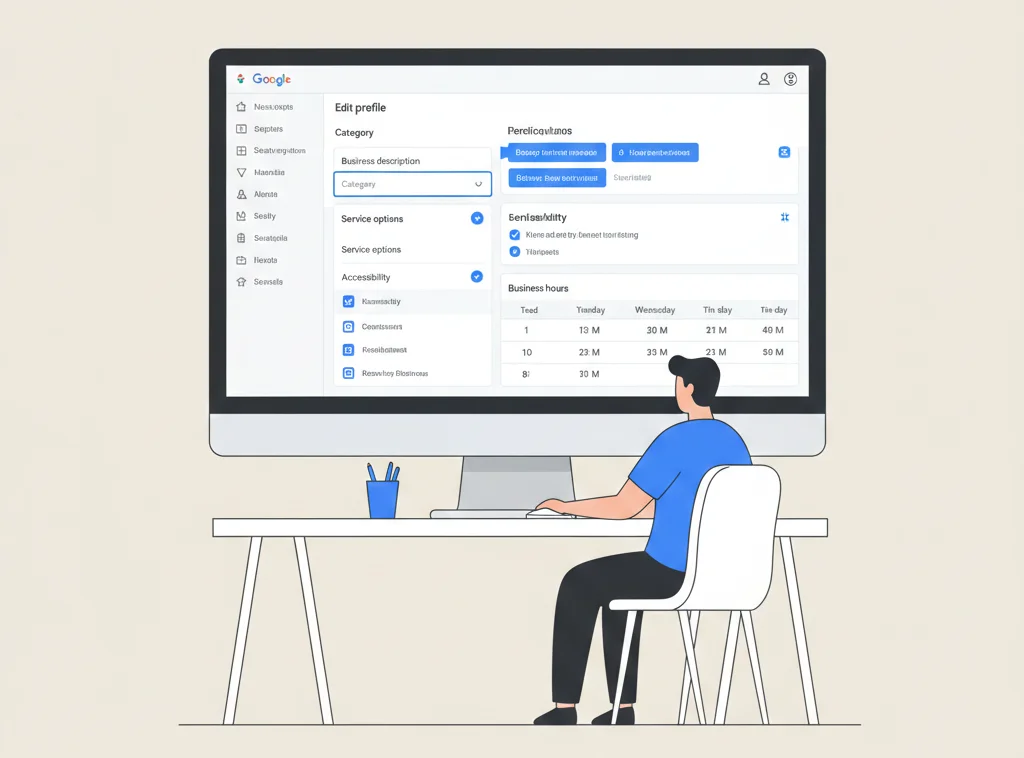
The business category tells Google what the company does. This choice affects when and where the business appears in search results. The primary category should reflect the core service, while secondary categories can describe additional offerings.
Add Accurate Business Information
Accurate information builds trust with both users and Google. Business name, address, phone number, and website must match real-world usage and remain consistent across platforms.
Verify Your Business
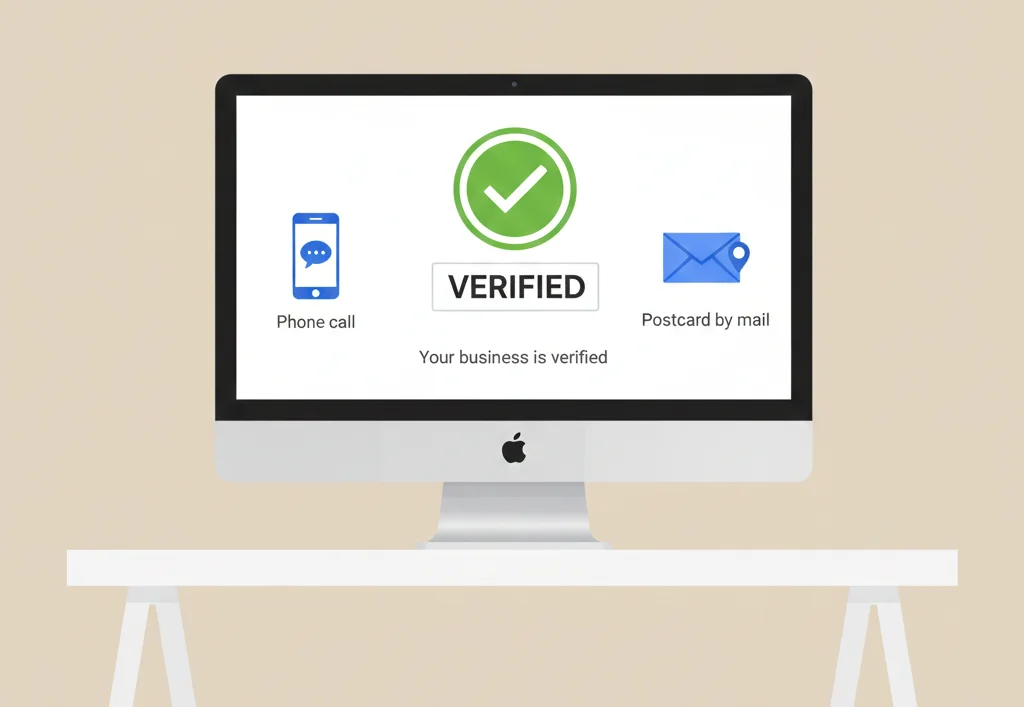
Verification confirms that the business is legitimate and eligible to appear in search results. Google offers different verification methods depending on business type and location, and profiles cannot be fully managed until verification is complete.
How to Optimize Your Google Business Profile for Maximum Visibility
Optimization improves how well a profile performs in search and how attractive it is to potential customers. The goal is clarity, accuracy, and relevance rather than manipulation.
Optimize Business Name, Description, and Attributes
The business name should reflect real branding without added keywords. The description explains what the business offers and should be written clearly for users. Attributes help highlight features such as accessibility, service options, or amenities.
- Use the real business name without extra descriptors
- Write a clear description explaining services, experience, and value
- Select attributes that genuinely apply to the business
Upload High-Quality Photos and Videos
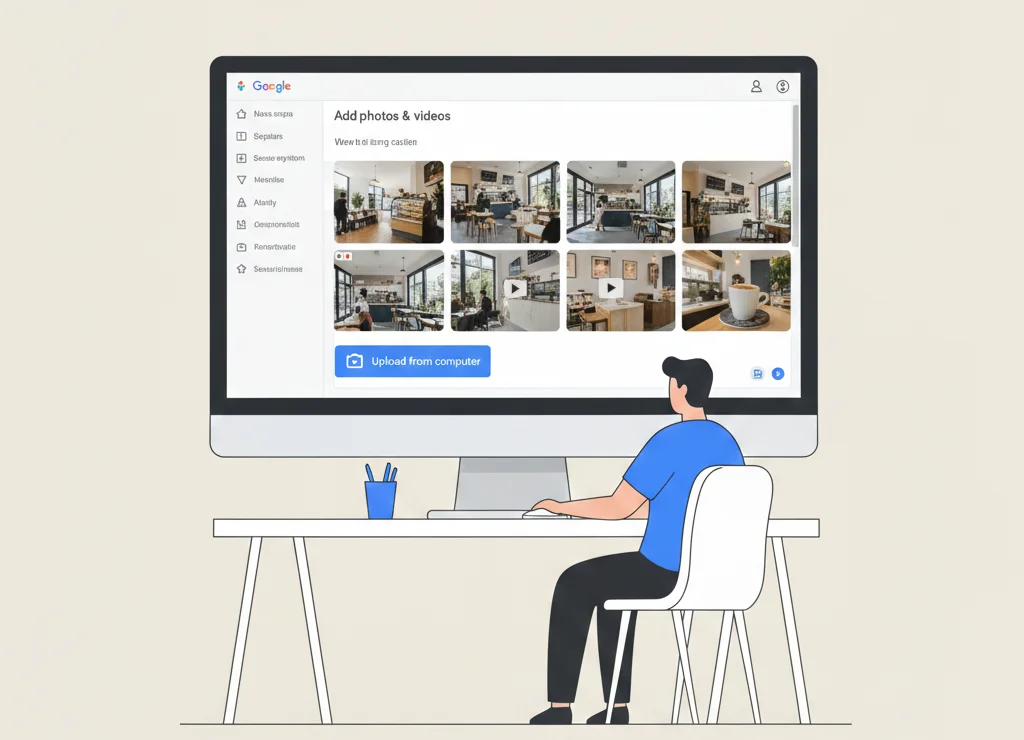
Visual content helps customers understand what to expect. Google encourages businesses to upload authentic photos that represent the location, products, and services accurately.
- Exterior and interior photos for physical locations
- Product or service images where relevant
- Short videos that show the environment or process
Set Business Hours and Special Hours
Accurate hours reduce customer frustration and improve trust. Special hours for holidays or events help prevent incorrect visits and missed opportunities.
- Keep regular hours up to date
- Add holiday or temporary schedule changes in advance
How to Use Google Business Profile Features in 2026
Google Business Profile includes tools that allow businesses to stay active and communicate directly with customers. Regular use signals that the business is engaged and responsive.
Google Posts
Posts allow businesses to share updates, promotions, and announcements directly on their profile. They help keep information fresh and relevant for users.
- Share news, offers, or events
- Keep messaging clear and factual
- Update posts regularly
Products and Services Section
This section helps users understand what a business offers before contacting it. Clear listings improve relevance for specific searches.
- List services with accurate descriptions
- Add pricing where appropriate
- Keep offerings current
Messaging and Call Features
Messaging and call options allow customers to contact the business directly from the profile. Fast responses improve user experience and trust.
- Enable messaging only if responses can be timely
- Ensure phone numbers are monitored during business hours
Reviews and Reputation Management
Reviews influence customer decisions and signal credibility. Google encourages businesses to engage with reviews in a professional and transparent manner.
- Encourage customers to leave honest reviews
- Respond to positive feedback with appreciation
- Address negative reviews calmly and professionally
- Avoid incentives or fake reviews
Local SEO Signals That Influence Google Business Profile Rankings
Google evaluates local profiles using relevance, distance, and prominence. While businesses cannot control distance, they can improve relevance and prominence through accurate information and strong online presence.
- Consistent business details across the web
- High-quality, relevant reviews
- Mentions from trusted local websites
How to Track and Measure Google Business Profile Performance
Performance data helps businesses understand how users interact with their profile. Insights show trends in visibility and engagement.
- Monitor searches, views, and actions
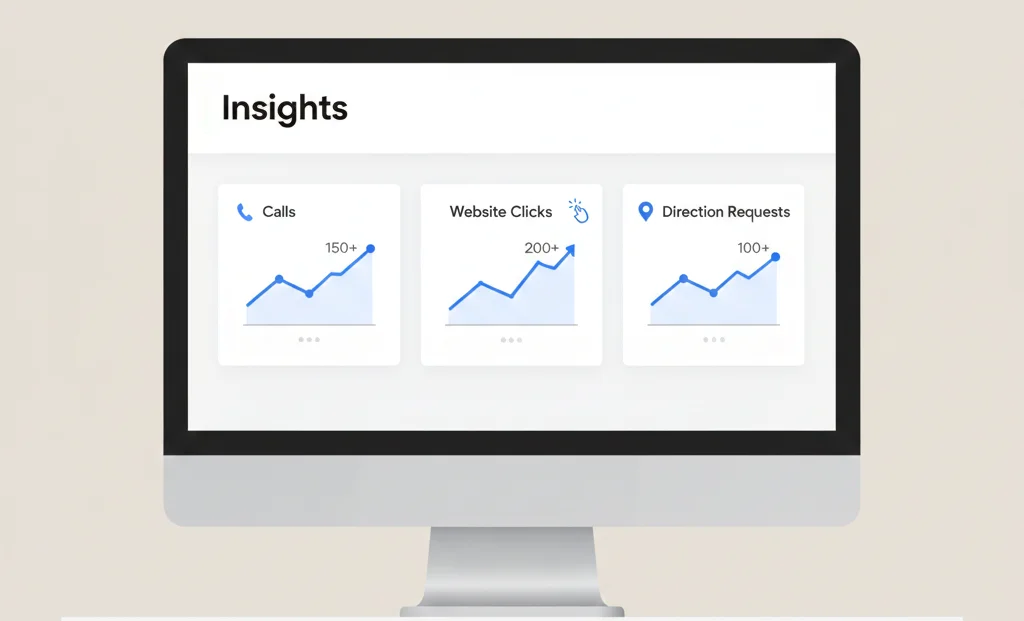
- Track calls, website clicks, and direction requests
- Use data to adjust profile content and activity
Advanced Google Business Profile Optimization Tips for 2026
Advanced optimization focuses on aligning profiles with evolving search behavior while staying within Google’s rules.
- Use clear language suitable for voice searches
- Upload accurate visuals for visual search relevance
- Manage multiple locations with consistent branding
- Connect profiles with relevant local landing pages
Google Business Profile for Different Business Types
Different business models require different profile setups to remain compliant and effective.
- Local shops benefit from accurate addresses and photos
- Service-area businesses should hide home addresses and define service areas
- Multi-location brands need individual profiles for each location
- Home-based businesses must follow service-area guidelines
Conclusion
Setting up and optimizing a Google Business Profile correctly is essential for local visibility in 2026. A complete and accurate profile helps Google trust the business and helps customers make informed decisions quickly. Ongoing updates, honest engagement, and adherence to Google’s guidelines ensure long-term performance and stability in local search results.