
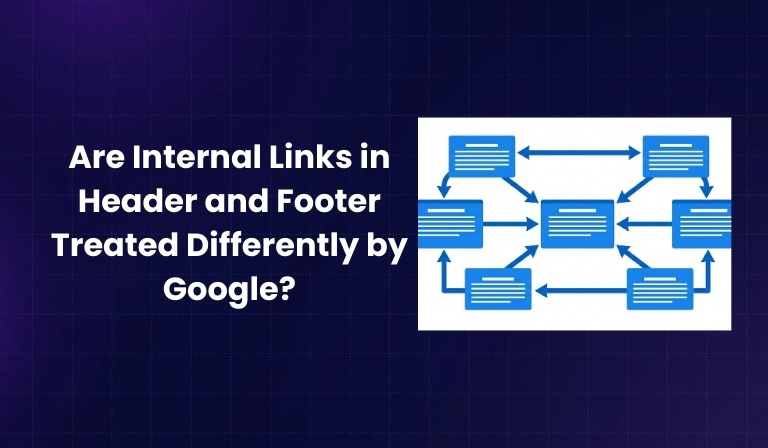

Internal links in your header and footer often appear on every page, so many people assume Google might treat them differently from contextual links inside the body content. In multiple public Q&A sessions, Google representatives have clarified that internal links are treated as links regardless of whether they appear in the header, footer, sidebar, or main content area, and that their main role is to help Google understand your site structure. This blog breaks down what that means in practice, how text is treated differently from links, and how to design a strong internal linking strategy without relying on myths.
What Are Internal Links?
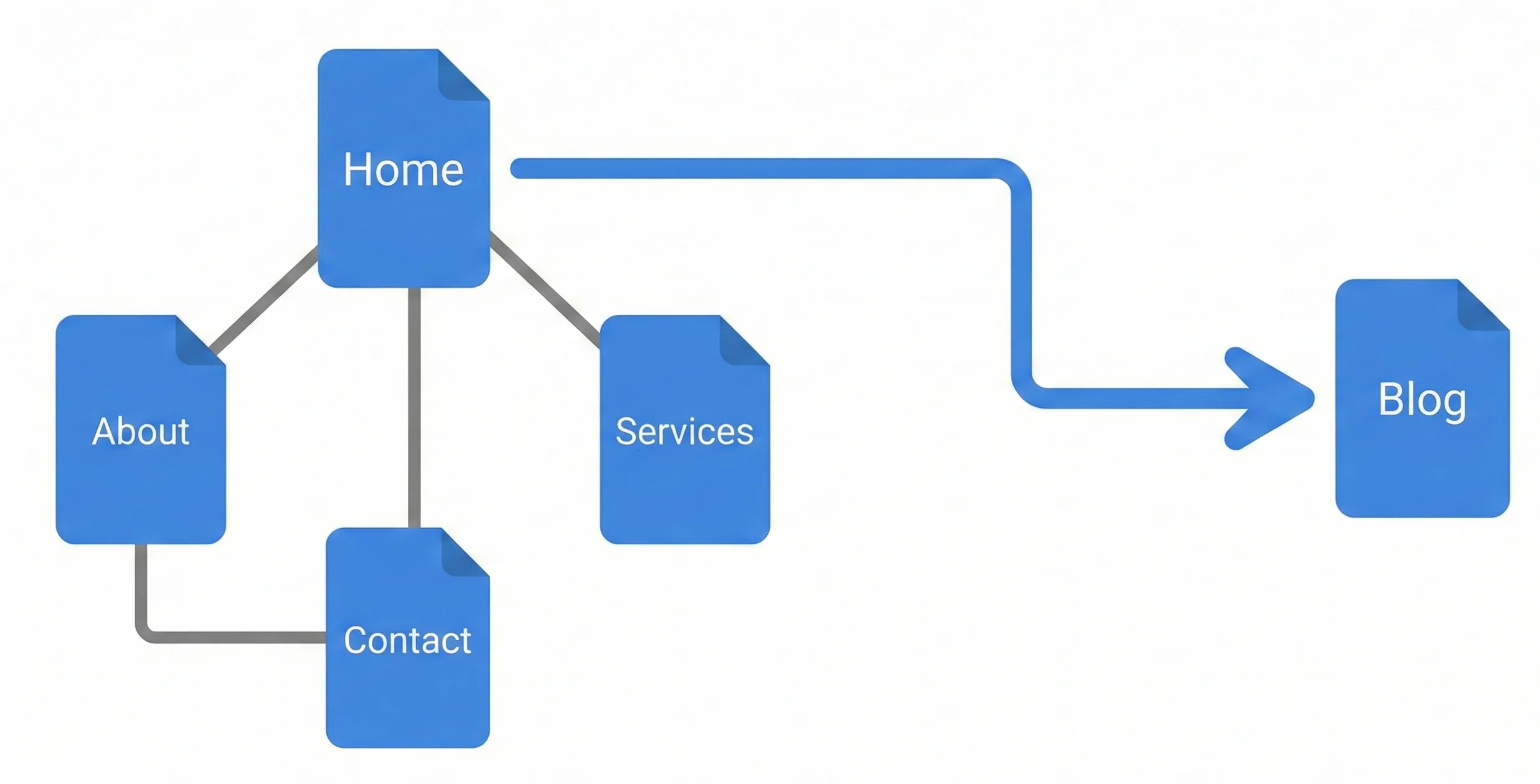
Internal links are hyperlinks that connect one page of a website to another page on the same domain, helping both users and search engines move through your content. They support navigation, distribute link equity, and indicate which pages on your site are most important, which in turn can influence how easily those pages are discovered and ranked.
Common types of internal links include navigation links in the header, utility or legal links in the footer, and contextual links embedded within the main body content of articles, category pages, and product descriptions. These different placements serve different UX purposes, but for crawling and indexing, each still functions as an internal link.
- Clarify that all internal links stay within the same domain (or subdomain) and are distinct from external backlinks pointing from other sites.
- Emphasize that a healthy internal linking structure ensures no important page is “orphaned” (unlinked from anywhere else on the site).
- Note that internal links can be text links, button links, image links, or menu items, as long as they use HTML anchor elements that Google can crawl.
Google’s Official Stance
Google’s public position, as explained in its office-hours sessions, is that internal links are not evaluated differently just because they appear in the header, footer, sidebar, or within the main content. Representatives have explicitly stated that Google does not assign less weight to footer links or treat header menu links as inherently more powerful; they are all seen as links that contribute to understanding your site’s structure.
What Google does distinguish is the text content of a page versus its supporting elements, with algorithms trying to identify the primary content section when ranking pages for queries. In that context, the presence of a link in a particular area does not change how the link itself is counted, but the surrounding main content carries more weight for relevance than boilerplate sections like menus or repeated footers.
- Sitewide links, such as footer links appearing on every page, are still interpreted as many internal links pointing to the target page, not as something discounted purely because of their position.
- The main function of internal links, regardless of placement, is to signal how pages relate to one another and to expose important URLs to crawling and indexing.
- Google’s systems therefore look at the existence and pattern of internal links more than the specific visual location of those links in your layout.
Header vs. Footer vs. Body Links
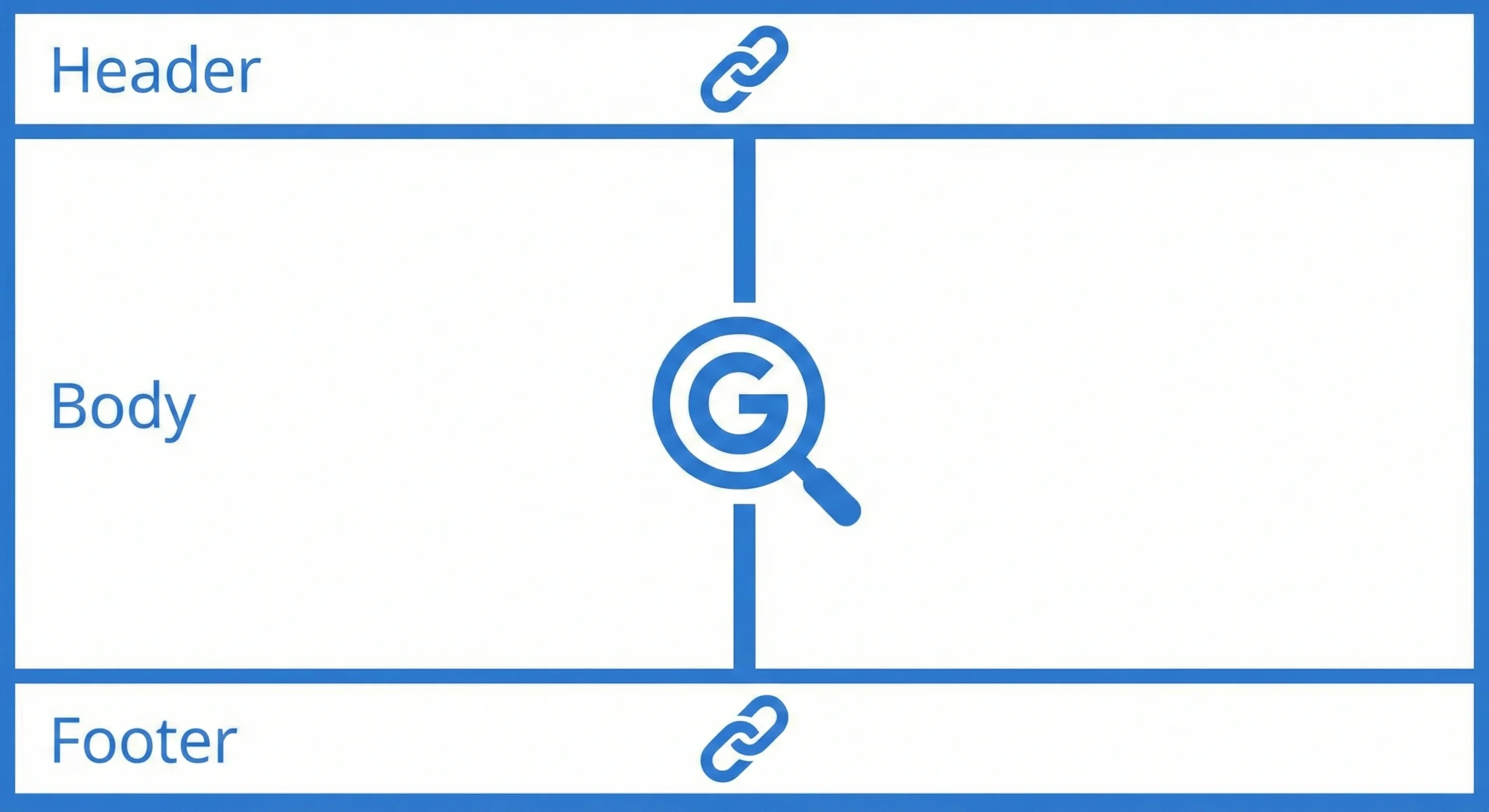
Header, footer, and body links all influence how users navigate and how Googlebot discovers and understands your site, but they play slightly different roles from a UX and architecture perspective. Header navigation typically highlights top-level categories or critical sections, footer links often provide utility, legal, or secondary navigation, and body links usually support contextual discovery of related content. None of these placements is inherently discounted algorithmically, but their visibility and usage patterns differ.
| Link Location | Pros | Cons | Google Treatment |
| Header (e.g., nav menu) | High visibility on every page; helps users and crawlers reach key sections quickly. | Limited space means you must be selective; overstuffed menus can hurt UX. | Treated as normal internal links that signal important site sections and hierarchy. |
| Footer (e.g., utilities, extra links) | Good place for secondary navigation, legal pages, and additional deep links; often sitewide. | Lower user engagement compared to above-the-fold elements; easy to overload with too many links. | Not given less weight solely for being in the footer; still counted as internal links from many pages. |
| Body Content | Strong contextual relevance because they’re surrounded by topic-specific text; can guide users deeper into related resources. | Requires editorial planning and ongoing updates; can be missed if content is thin. | Treated as internal links like any others, but the surrounding primary content helps Google understand topical relationships. |
From a practical standpoint, header links often act as a map to your main sections, while footer links flesh out supporting areas like policies, FAQs, and secondary categories. Contextual body links are especially useful for indicating which detailed pages are closely related, such as linking from a broad guide to specific how-to articles or product pages.
- Overemphasizing one area (e.g., only header links and no contextual links) can create a shallow structure where certain important pages receive less topical context and fewer internal signals.
- A balanced approach uses the header for main categories, the footer for essential secondary pages and deep links, and body content for topic-driven connections between closely related pages.
Also Check: Are Press Releases Good for SEO In 2026?
Best Practices for Internal Linking
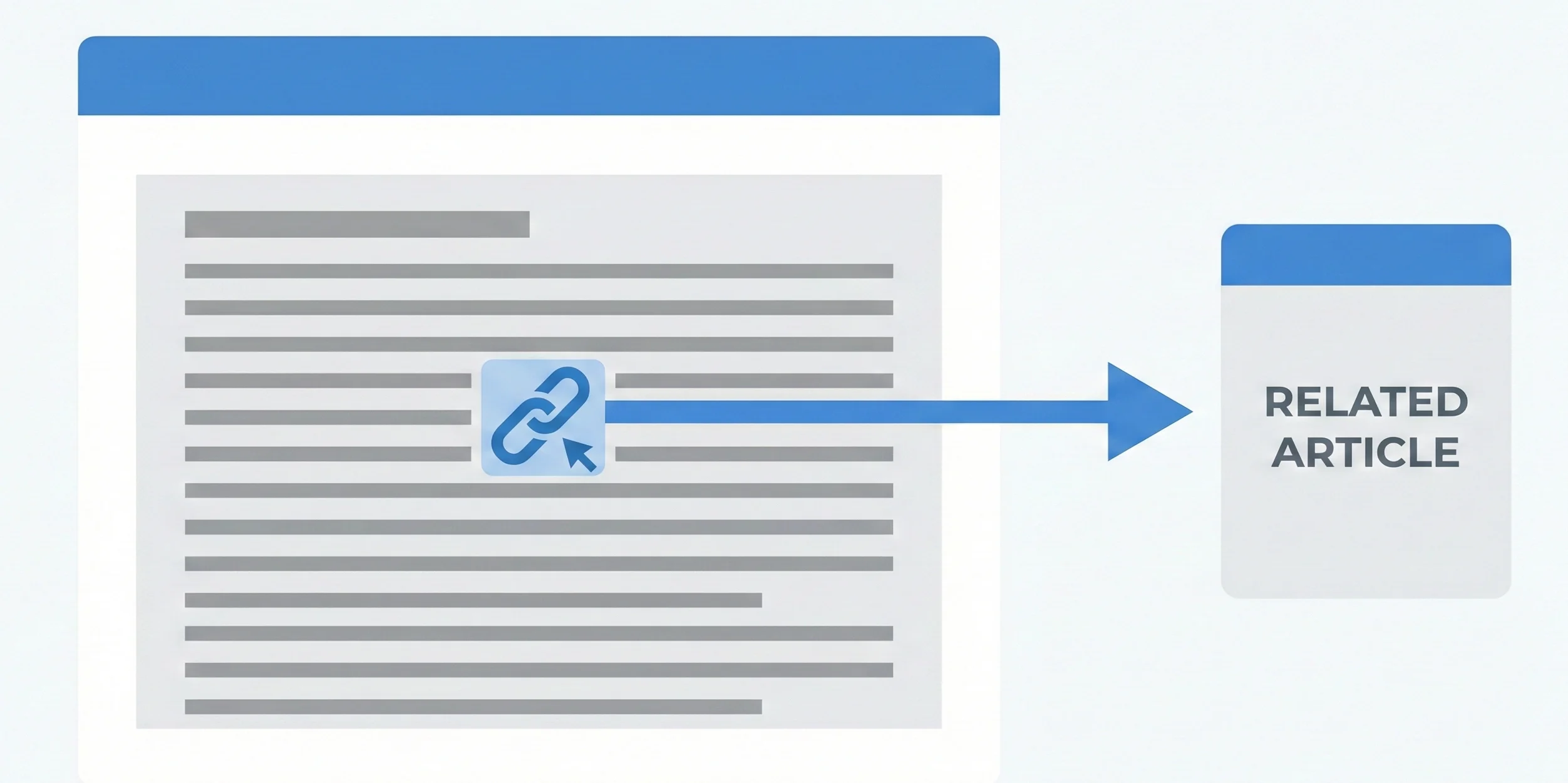
Internal linking works best when it is deliberate, consistent, and easy for both users and crawlers to follow. A good strategy typically combines clear navigation with helpful contextual links and regular audits to maintain link quality.
- Use descriptive, keyword-relevant anchor text
- Anchor text should describe the destination page’s topic so that both users and search engines can infer what to expect.
- Avoid vague phrases like “click here” and instead use wording that reflects the target page’s main theme or intent.
- Ensure every important page is reachable
- Aim for at least one internal link from another page to every indexable URL that should rank, so you avoid orphaned pages.
- For critical money pages or cornerstone guides, build multiple internal links from relevant sections to strengthen their visibility.
- Maintain crawlable, indexable, do-follow links
- Check that important pages are not blocked by robots.txt, meta robots, or noindex directives, otherwise internal links to them cannot help rankings.
- Avoid adding rel=”nofollow” to internal links pointing to pages that you actually want to rank, because that can limit the flow of link equity and crawling.
- Build contextually relevant links within content
- Add internal links where they naturally help users explore a topic further, such as from an overview article to deeper tutorials or case studies.
- Group related content into clusters or hubs and connect those pages with internal links to make the topical relationships clear.
- Use tools to audit and monitor internal links
- SEO crawlers and analytics tools can highlight broken internal links, redirect chains, orphaned pages, and depth issues (pages too many clicks from the homepage).
- Reviewing internal link data periodically helps you spot opportunities to add links to underperforming but valuable pages.
Common Mistakes to Avoid
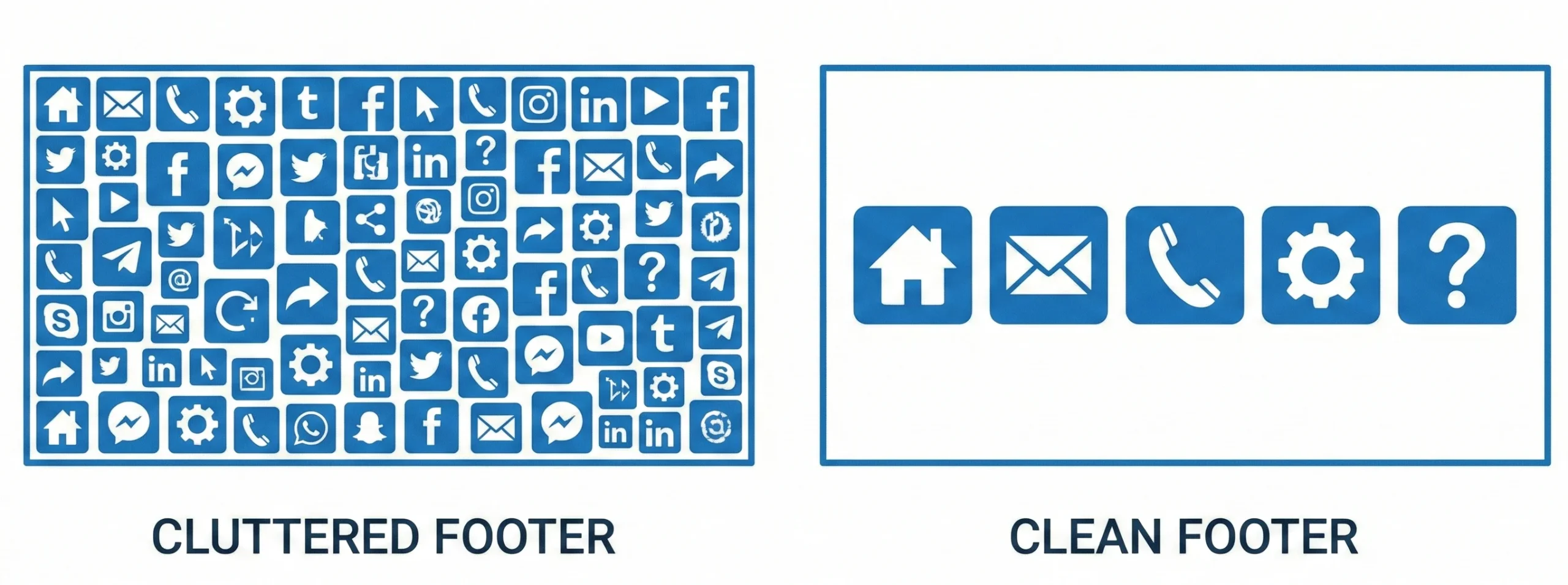
Many internal linking problems come not from Google’s treatment of headers and footers, but from structural or technical issues that waste crawl budget or create a poor user experience. Avoiding these common mistakes helps your internal links work as intended.
- Overloading the footer with excessive links
- Very large, cluttered footer link sets can make navigation overwhelming and may dilute how clearly your most important destinations stand out.
- It is more effective to prioritize key legal, trust, and navigation links rather than turning the footer into a full HTML sitemap for very large sites.
- Leaving pages orphaned or buried too deep
- Pages with no internal links pointing to them are difficult for Google to discover and often receive little or no organic traffic.
- If important pages require many clicks from the homepage (deep architecture) and lack internal links from prominent sections, they may be crawled less frequently.
- Misusing nofollow or blocking rules internally
- Applying nofollow to internal links that lead to key pages prevents PageRank from flowing naturally and can undermine internal SEO.
- Overly aggressive blocking in robots.txt or meta tags can render internal links ineffective for helping Google index important content.
- Neglecting broken links and outdated structures
- Internal links pointing to 404 pages or long redirect chains waste crawl resources and frustrate users.
- Site redesigns, content pruning, or URL changes should be followed by a review to update or redirect old internal links appropriately.
Actionable Implementation Steps
Turning these principles into practice requires a simple, repeatable workflow that you can apply across new and existing content. The steps below help you build and maintain an internal linking structure aligned with Google’s public guidance.
- Audit your current internal links
- Run a crawl of your website to identify broken links, orphaned pages, long click-depth paths, and nofollowed internal links to important URLs.
- Compare the pages you consider “business-critical” (e.g., main services, top guides, key product categories) with their actual internal link counts and positions.
- Optimize header and footer navigation
- In the header, ensure your main navigation highlights core sections, such as primary categories or service lines, without overwhelming visitors.
- In the footer, include essential pages like contact, about, legal policies, and a curated set of high-value internal links that deserve sitewide visibility.
- Strengthen contextual body links
- Review existing articles and add internal links from high-traffic content to related but underperforming or newly published pages.
- When publishing new content, intentionally link back to cornerstone pages and other relevant resources within the same topic cluster.
- Ensure technical correctness of internal links
- Check that important internal links are do-follow, point to the canonical URLs, and avoid unnecessary redirect hops.
- Verify that all target pages are set to be indexed when appropriate and are not accidentally blocked at the page or directory level.
- Monitor performance and iterate
- Track metrics such as organic traffic, engagement (time on page, pages per session), and internal click paths to see how visitors move through your site.
- Use periodic crawls and analytics reviews to adjust navigation, add new internal links to strategic pages, and remove or consolidate outdated links.
Conclusion
Google does not treat internal links differently just because they are placed in the header, footer, sidebar, or body content; all of them contribute to how Googlebot understands your site’s structure and which pages are most important. The bigger differentiator is the quality of your overall internal linking strategy: clarity of navigation, contextual relevance, crawlability, and ongoing maintenance matter far more than the visual location of a link.
FAQs
1. Do footer links pass less SEO value than body links?
Available guidance indicates that footer links are not given inherently less weight; they are treated as internal links that help map your site, although user engagement with footer links may be lower than with links in more prominent positions.
2. How many internal links should I use on a page?
There is no fixed number; the key is to use as many as are genuinely helpful and relevant for users while keeping the page readable and avoiding cluttered navigation or over-optimized link blocks.
3. Can internal links alone significantly improve rankings?
Internal links help search engines discover and understand your pages and can reinforce the importance of specific URLs, but rankings also depend on content quality, external backlinks, technical health, and user signals.

Passionate about blogging and focused on elevating brand visibility through strategic SEO and digital marketing. Always tuned in to the latest trends, I’m dedicated to maximizing engagement and delivering measurable ROI in the dynamic world of digital marketing. Let’s connect and unlock new opportunities together!