

Have you ever visited a website, clicked on a page, and left right away without exploring further? That quick exit is what marketers call a bounce. The percentage of visitors who do this is known as the bounce rate.
Bounce rate is a crucial metric in digital marketing. It tells you how engaging and relevant your website is to visitors. If people are leaving too quickly, it can signal problems with your design, content, or user experience.
In this blog, we’ll break down what bounce rate really means, why it matters, and most importantly, how you can improve it to keep your visitors engaged.
What Is Bounce Rate?
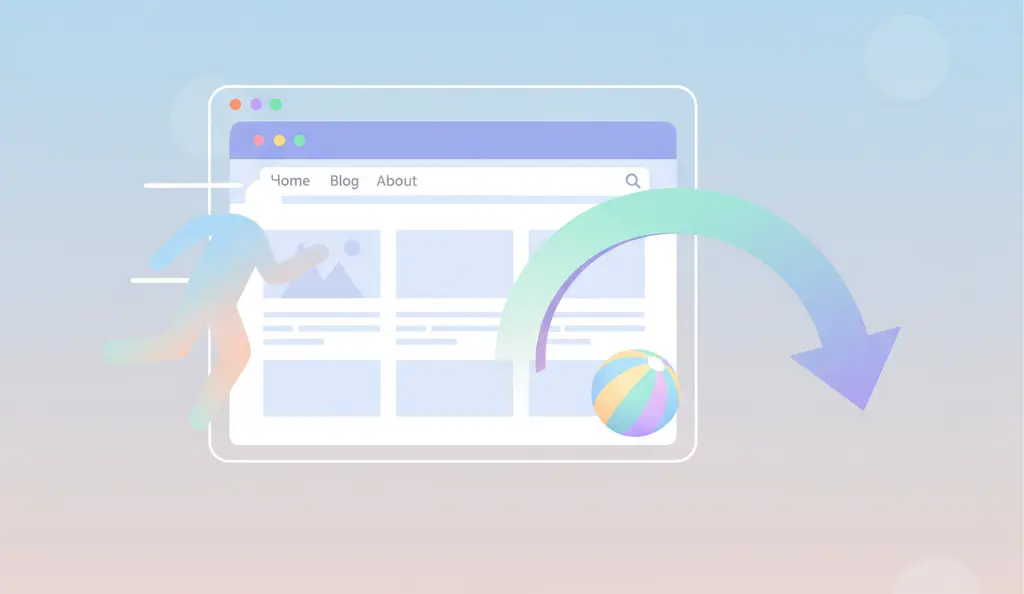
Bounce rate is the percentage of people who land on your website and leave without clicking on anything else. In simple terms, it measures single-page visits.
Formula:
Bounce Rate = (Single-Page Sessions ÷ Total Sessions) × 100
For example:
- If 100 people visit your website, and 60 of them leave without doing anything else, your bounce rate is 60%.
Bounce Rate vs. Exit Rate
- Bounce Rate: A visitor leaves after viewing only one page.
- Exit Rate: A visitor leaves from a particular page, but they may have viewed other pages before that.
So, while bounce rate looks at single-page visits, exit rate looks at where people are leaving in their journey.
Why Bounce Rate Matters
Bounce rate is more than just a number—it reflects how well your website meets visitor expectations.
- User Experience: A high bounce rate often means people aren’t finding what they need.
- SEO Impact: Search engines like Google may consider bounce rate as a signal of content quality and relevance.
- Conversions: If people leave quickly, they are less likely to sign up, buy, or engage with your business.
In short, bounce rate affects both your traffic quality and your business results.
What Is a Good Bounce Rate?
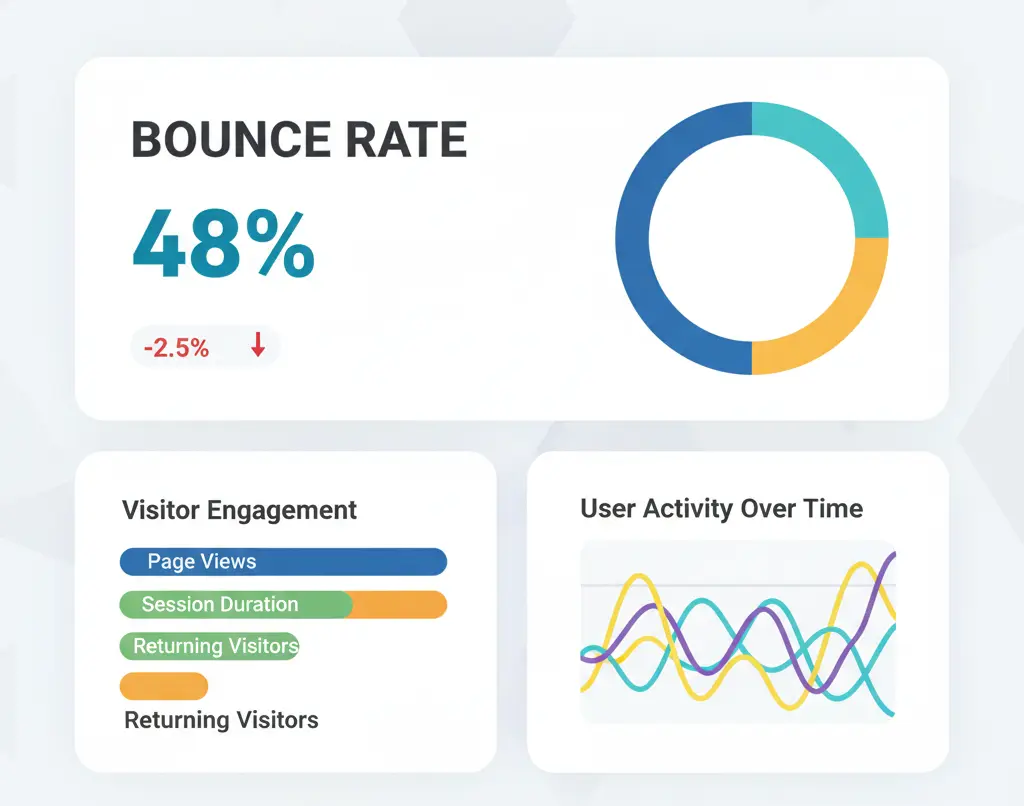
There’s no one-size-fits-all answer. A “good” bounce rate depends on your industry, website type, and audience intent.
Here are some general benchmarks:
- Blogs & News Sites: 65%–90% (people often read one article and leave).
- E-commerce Sites: 20%–45% (visitors usually browse multiple products).
- Landing Pages: 70%–90% (they are designed for one action).
- Service Websites: 30%–55% (users explore services before deciding).
Instead of chasing a perfect number, compare your bounce rate with industry standards and focus on continuous improvement.
Common Causes of High Bounce Rate
If your bounce rate is higher than expected, here are some possible reasons:
- Slow Website Loading Speed: Visitors leave if pages take more than a few seconds to load.
- Poor Mobile Optimization: If your site isn’t mobile-friendly, users will bounce.
- Irrelevant or Misleading Content: When content doesn’t match what visitors expect, they leave.
- Bad Website Design: Hard-to-read text, messy layouts, or confusing navigation frustrate users.
- Intrusive Ads or Pop-ups: Too many distractions make visitors click away.
- Technical Errors: Broken links, 404 errors, or bugs push users out.
- Low-Quality Traffic: Visitors from poorly targeted ads or irrelevant keywords are less likely to stay.
How To Check Your Website’s Bounce Rate
To improve bounce rate, you first need to measure it.
Tools You Can Use:
- Google Analytics (GA4): The most popular tool for tracking bounce rate and engagement.
- Hotjar or Crazy Egg: For heatmaps and behavior insights.
- SEMrush / Ahrefs: For SEO-driven traffic analysis.
Checking Bounce Rate in GA4:
- Log in to Google Analytics 4.
- Go to Reports → Engagement → Pages and Screens.
- Look for Engagement Rate (GA4 shows engagement instead of bounce rate by default).
- Bounce rate in GA4 is the opposite of engagement rate.
For example, if your engagement rate is 70%, then your bounce rate is about 30%.
Also Read: What Is Online Reputation Management (ORM)?
Strategies To Improve Bounce Rate
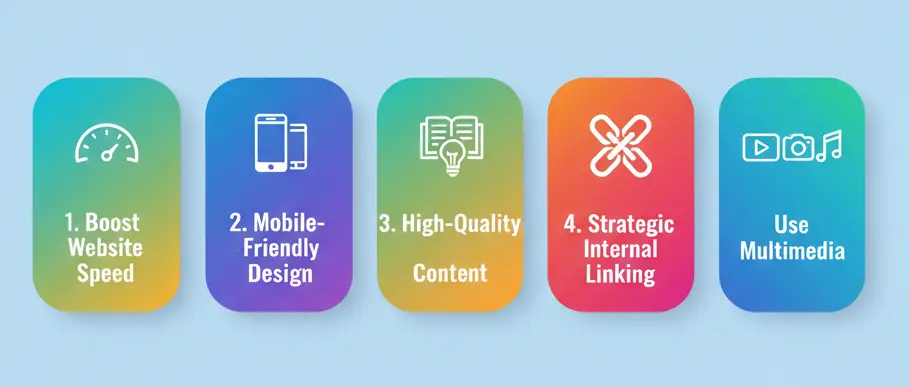
Here are proven ways to reduce bounce rate and keep visitors engaged:
1. Improve Page Load Speed
- Compress images.
- Use a content delivery network (CDN).
- Minimize code and enable browser caching.
2. Make Your Website Mobile-Friendly
- Use responsive design.
- Test your site on different devices.
- Prioritize mobile speed.
3. Match Content With User Intent
- Optimize pages for the right keywords.
- Ensure headlines and meta descriptions reflect the content accurately.
- Provide solutions to the visitor’s query right away.
4. Enhance Readability and Layout
- Use short paragraphs and simple language.
- Add subheadings, bullet points, and visuals.
- Keep plenty of white space for a clean look.
5. Improve Internal Linking
- Suggest related articles or products.
- Use descriptive anchor texts.
- Guide users naturally to explore more.
6. Optimize Calls-to-Action (CTAs)
- Place CTAs clearly but not aggressively.
- Offer value (e.g., “Download Free Guide” instead of “Click Here”).
7. Reduce Distractions
- Limit pop-ups, auto-playing videos, and flashing banners.
- Keep the focus on the main content.
8. Add Engaging Media
- Use images, videos, and infographics.
- Include interactive content like quizzes or polls.
9. Fix Technical Issues
- Regularly check for broken links and 404 errors.
- Monitor site performance.
10. Attract the Right Audience
- Run better-targeted ad campaigns.
- Focus on high-quality keywords that match your audience’s needs.
Bounce Rate vs. Engagement Rate (GA4 Update)
With Google Analytics 4, things have changed.
- In Universal Analytics, bounce rate was a core metric.
- In GA4, Google focuses on engagement rate, which shows the percentage of sessions where users stayed, scrolled, or clicked.
Key Difference:
- Bounce Rate = % of visitors who leave without interaction.
- Engagement Rate = % of visitors who interact meaningfully.
By looking at engagement rate along with bounce rate, you get a fuller picture of your website’s performance.
Key Takeaways
- Bounce rate shows how many people leave after just one page.
- A high bounce rate may signal issues with speed, content, design, or traffic quality.
- Tools like GA4 and Hotjar help track and analyze bounce rate.
- To improve, focus on speed, mobile-friendliness, engaging content, and better targeting.
Conclusion
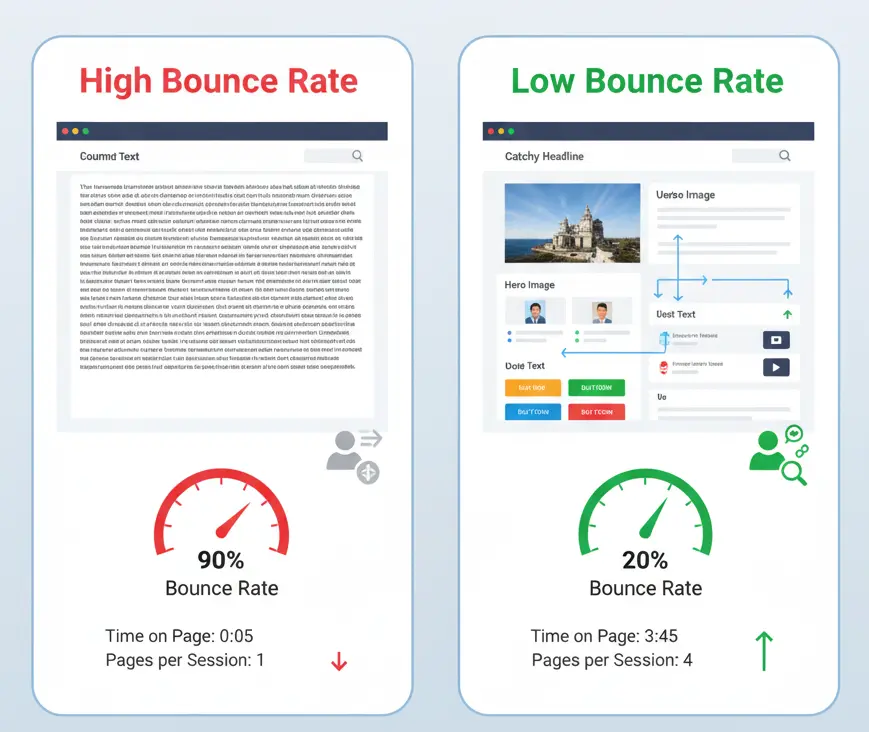
Bounce rate is not just a number—it’s a reflection of your user experience and website quality. A lower bounce rate usually means visitors are finding value, engaging with content, and moving closer to conversion.
By monitoring your bounce rate and making improvements step by step, you can keep users interested, improve SEO, and grow your online success.
Start today: check your analytics, find what’s driving visitors away, and apply the strategies we discussed. Small changes can lead to big improvements in keeping your audience engaged.

Passionate about blogging and focused on elevating brand visibility through strategic SEO and digital marketing. Always tuned in to the latest trends, I’m dedicated to maximizing engagement and delivering measurable ROI in the dynamic world of digital marketing. Let’s connect and unlock new opportunities together!