
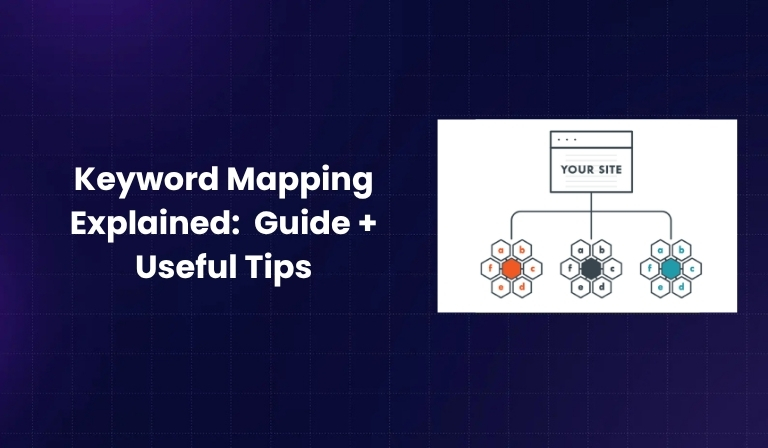

If you’re working on improving your website’s SEO, one term you’ll often hear is “keyword mapping.” But what does it actually mean? And how can it help you grow your search traffic?
Keyword mapping is a simple but powerful process that helps you match the right keywords with the right pages on your website. When done properly, it improves your chances of ranking higher in search results and avoids mistakes like keyword cannibalization.
In this guide, we’ll walk you through a 10-step keyword mapping process, explain why it’s important, and give you useful tips to make the whole thing easier.
What Is Keyword Mapping?

Keyword mapping is the process of assigning target keywords to specific pages on your website.
It helps you:
- Organize your SEO strategy.
- Make sure each page targets a unique topic.
- Avoid using the same keyword on multiple pages (which confuses search engines).
Think of it like creating a roadmap for your SEO efforts. It shows you which page covers what topic and what keywords each one should rank for.
Keyword Mapping vs Keyword Research
- Keyword research is finding out what your audience is searching for.
- Keyword mapping is assigning those keywords to the right pages on your site.
Why Is Keyword Mapping Important?

Keyword mapping helps with SEO in several ways:
- Avoid Keyword Cannibalization: Don’t let two pages compete for the same keyword.
- Better Content Planning: Helps you know what to write and where.
- Improved Relevance: Aligns each page with a specific search intent.
- Boosts Rankings: Search engines understand your site better.
- Improves UX: Makes your website structure more user-friendly.
Tools You Need Before You Start
You don’t need fancy tools to get started, but having the right ones helps. Here are some useful tools:
-
- Google Sheets or Excel – To create and manage your keyword map.
- Google Search Console – To check current rankings and performance.
- Keyword Tools like:
-
-
- Ahrefs
- Semrush
- Ubersuggest
- Google Keyword Planner
-
- Site Auditing Tools (optional but helpful):
-
- Screaming Frog
- Sitebulb
- SEO PowerSuite
10-Step Keyword Mapping Process
Let’s break down the process into easy steps.
Step 1: Perform Thorough Keyword Research
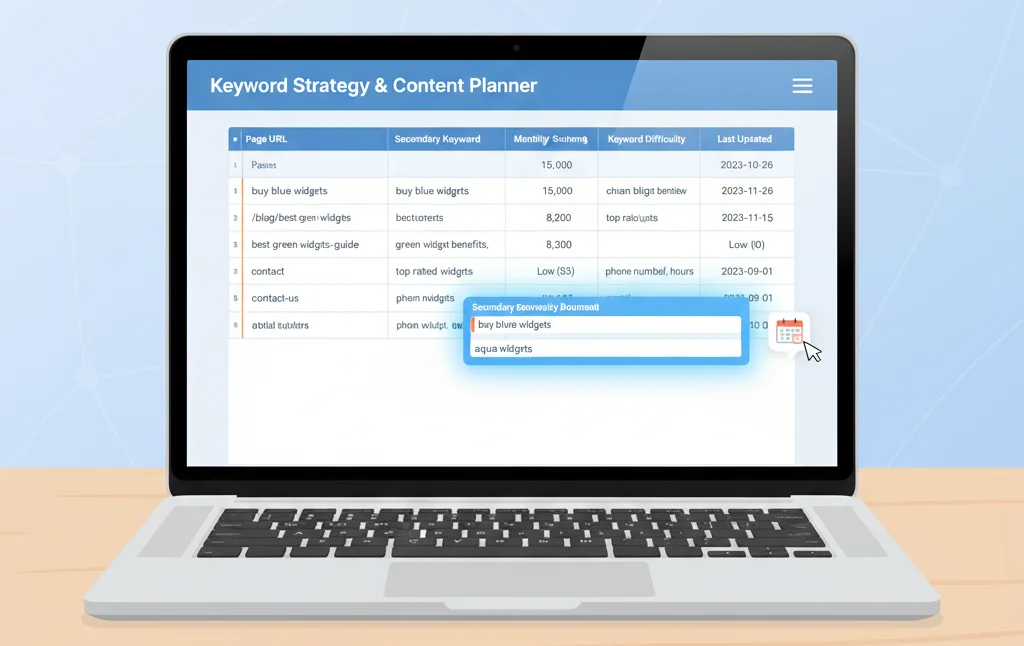
Start by finding all the keywords you want to target.
Use keyword tools to:
- Find high-volume, low-competition keywords.
- Check what your competitors are ranking for.
- Get variations and long-tail keyword ideas.
Step 2: Group Keywords by Search Intent
Each keyword has a purpose. Group them based on search intent:
- Informational: “How to create a blog”
- Navigational: “WordPress login page”
- Transactional: “Buy running shoes online”
- Commercial: “Best laptops for students”
Knowing the intent helps you create the right type of content.
Step 3: Categorize Keywords into Topic Clusters
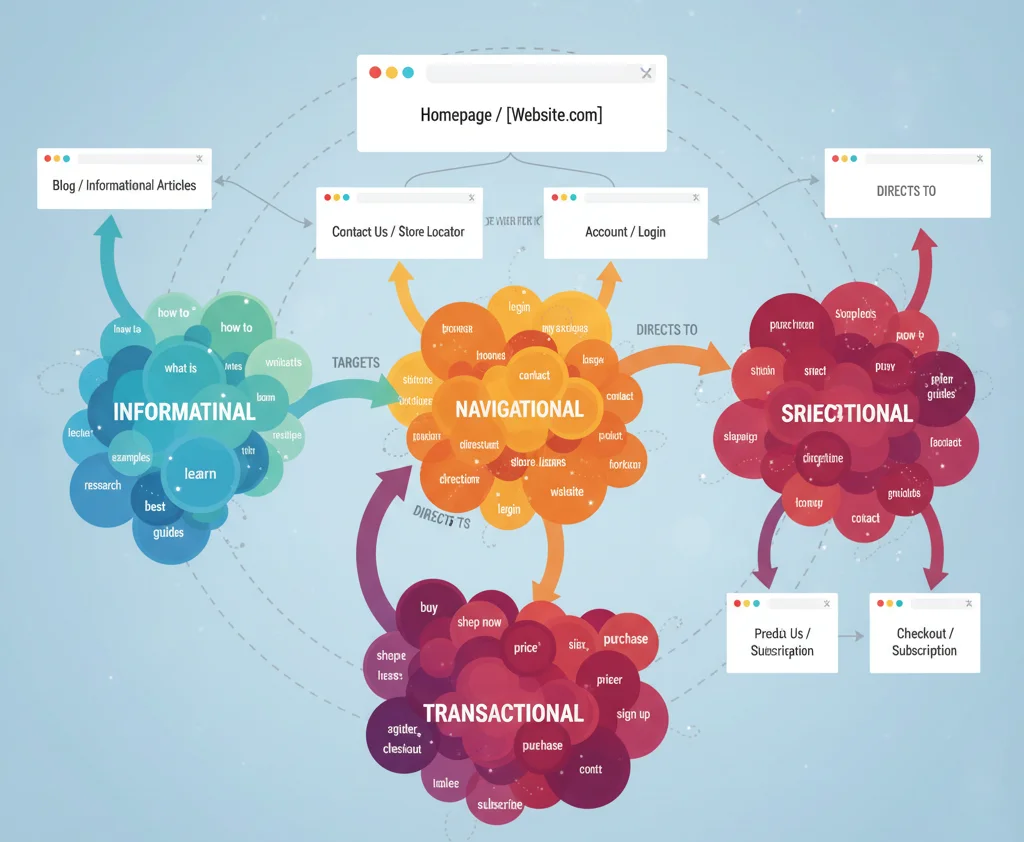
Group related keywords under broad topics. This helps in creating pillar pages and cluster content.
For example:
Main Topic: Digital Marketing Cluster Keywords: SEO strategy, social media tips, content marketing, email campaigns
Step 4: Map Keywords to Relevant URLs
Now assign primary and secondary keywords to the most relevant pages on your site.
If a keyword doesn’t match any current page, mark it as a content gap and plan a new page for it.
Step 5: Audit Existing Content

Go through your existing content and:
- Find duplicate keyword targets.
- Update or merge overlapping content.
- Add internal links between related pages.
Step 6: Create a Keyword Mapping Sheet
Use a spreadsheet to manage everything. Your sheet should include:
| Page URL | Primary Keyword | Secondary Keywords | Search Intent | Volume | Difficulty |
| /seo-guide | SEO guide | search engine optimization | Informational | 3000 | Medium |
This helps keep your mapping organized and easy to update.
Step 7: Align Keyword Map with Site Architecture
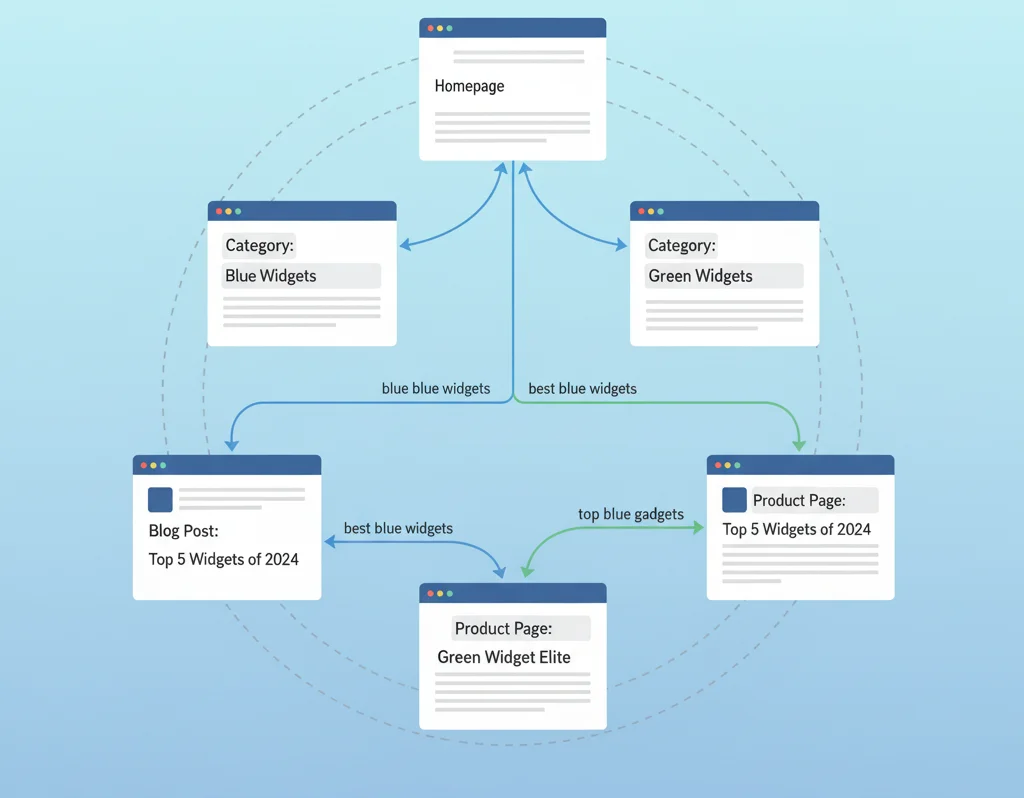
Make sure your website structure supports your keyword strategy.
- Use internal links to connect related content.
- Ensure parent pages support pillar keywords and child pages support related subtopics.
Step 8: Optimize On-Page Elements
For each mapped page, optimize the following:
- Title tag (use the primary keyword)
- Meta description (include keywords naturally)
- H1 and H2 headers
- Body content
- Image alt texts
- Internal links
Avoid keyword stuffing and keep everything natural.
Step 9: Track Performance Over Time
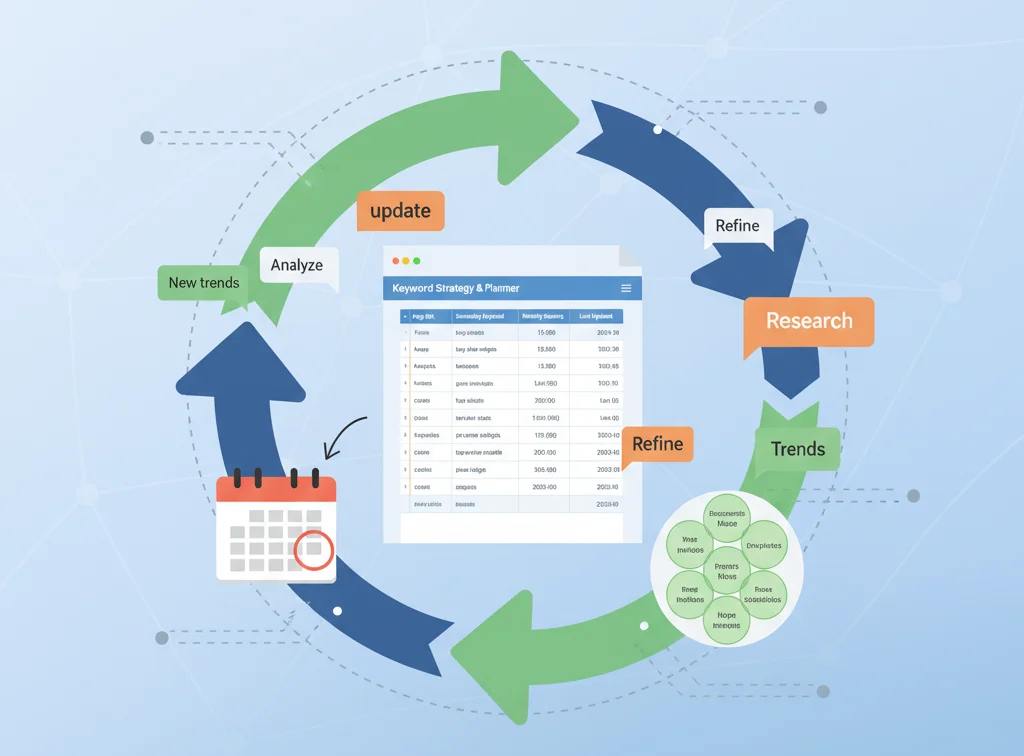
Use tools like Google Search Console or Ahrefs to monitor:
- Keyword rankings
- Organic traffic
- Click-through rates (CTR)
Update your keyword map if rankings drop or new opportunities arise.
Step 10: Revisit and Refine Regularly
SEO isn’t a one-time task.
- Refresh old content with better keywords.
- Add new content as your keyword list grows.
- Keep refining your keyword map every few months.
Common Keyword Mapping Mistakes to Avoid
Be aware of these common errors:
- Targeting the same keyword on multiple pages
- Ignoring search intent
- Forgetting to track performance
- Not updating the keyword map
- Using only broad, competitive keywords
Useful Tips to Make Keyword Mapping Easier
- Use color coding in your spreadsheet to track updates.
- Use filters or tabs for different sections (blogs, products, etc.).
- Use AI tools or keyword clustering tools to speed up the process.
- Share the keyword map with writers, SEOs, and developers.
Keyword Mapping Template Example
Here’s a simple structure for your spreadsheet:
| Keyword | Intent | Assigned Page | Search Volume | Difficulty | Notes |
| digital marketing tips | Informational | /blog/digital-marketing-tips | 1,500 | Medium | Pillar content |
| seo for beginners | Informational | /blog/seo-guide | 2,000 | Low | Cluster page |
You can use Google Sheets or Excel and build it out as your site grows.
Benefits of a Solid Keyword Mapping Strategy
When your keyword mapping is done right:
- Your content ranks higher.
- There’s no keyword overlap.
- You can scale your content planning easily.
- Visitors find what they’re looking for faster.
- You build authority in your niche.
Final Thoughts
Keyword mapping is a foundational part of any SEO strategy. It helps you stay organized, create better content, and improve your visibility in search engines.
Whether you run a blog, an eCommerce store, or a service-based website, keyword mapping gives you a clear path to success.
Start small, build your keyword map over time, and keep refining it as your site grows.
FAQs
1. How often should I update my keyword map?
Every 3 to 6 months is ideal. Update it sooner if you’re adding lots of new content.
2. Can I map multiple keywords to one page?
Yes, but only if they’re closely related. Use one primary keyword and a few related secondary keywords.
3. What’s the difference between keyword mapping and content planning?
Keyword mapping is assigning keywords to pages. Content planning is scheduling what and when to publish based on that mapping.
4. Do I need premium tools for keyword mapping?
Not necessarily. Free tools like Google Sheets and Google Keyword Planner can get you started.
5. Can small websites benefit from keyword mapping?
Absolutely! Even a simple site can rank better with a smart keyword strategy.

Passionate about blogging and focused on elevating brand visibility through strategic SEO and digital marketing. Always tuned in to the latest trends, I’m dedicated to maximizing engagement and delivering measurable ROI in the dynamic world of digital marketing. Let’s connect and unlock new opportunities together!