


Instagram has become more than just a place to post photos. It’s a platform for building communities, growing businesses, and forming partnerships. One of the newest tools helping users do all this is the Instagram collab post.
This feature lets two accounts share the same post — meaning shared engagement, increased visibility, and new opportunities for growth. Whether you’re an influencer, small business, or casual user, understanding how Instagram collabs work can help you connect better with your audience.
What Is an Instagram Collab Post?

An Instagram collab post is a single post that appears on two users’ profiles simultaneously. Instead of tagging another account, you invite them to be a collaborator — and once they accept, the post becomes shared content.
It shows up on both profiles, both usernames are listed in the header, and all the likes, views, and comments are shared. It’s like publishing one post for two audiences at the same time.
Key Features:
- Shared post on both profiles
- Combined engagement (likes, comments, shares)
- Great for co-creating content or promoting partnerships
Why Use Instagram Collab Posts?
Instagram collabs are more than just a fun feature — they serve real purpose. Here’s why users love them:
1. More Reach and Visibility

When you collaborate on a post, it’s automatically shown to both your audience and your partner’s audience. This helps increase the number of people who see your content.
2. Higher Engagement
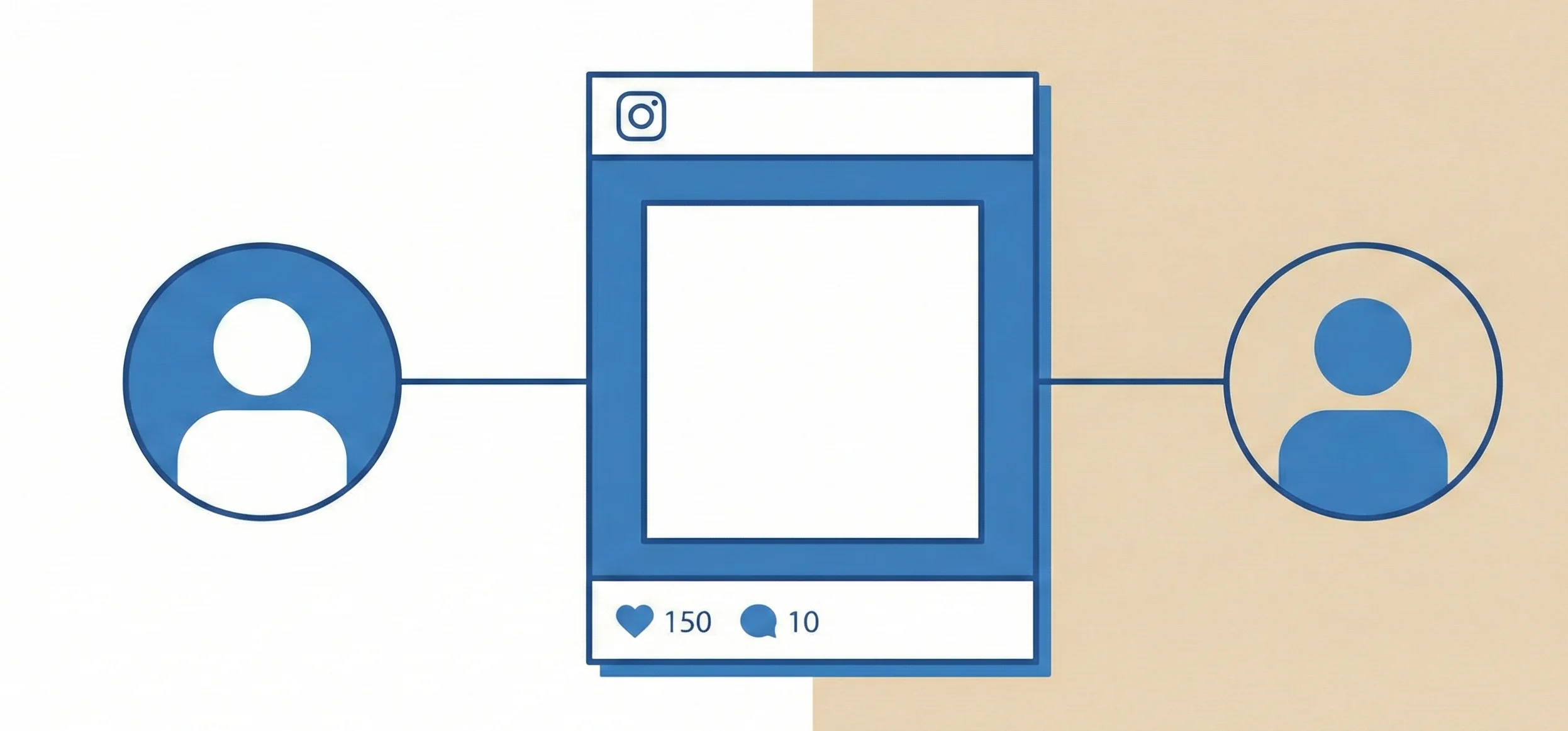
Because the post is shared, all likes, comments, and shares are combined. This typically leads to a spike in engagement compared to a solo post.
3. Brand Collaborations and Partnerships

Collabs are perfect for brands working with influencers, ambassadors, or partner companies. It makes campaigns feel more authentic and transparent.
4. Product Launches and Announcements
Launching something new? A collab post helps spread the word quickly and widely when both the brand and the influencer share the news.
5. Giveaways and Contests
Giveaways get more traction when both hosts share the same post — making collab posts the go-to format for contests.
6. Side Hustles and Co-Creation
Creating content with a friend or business partner? Use a collab post to give equal credit and share results.
7. Reduce Duplicate Content
Instead of reposting the same image or reel, a collab post keeps things clean and unified.
8. Audience Cross-Pollination

Your content reaches new followers from the collaborator’s audience, which can lead to more profile visits and new followers.
Instagram Collab Rules You Should Know
Before diving into collab posts, here are a few rules to keep in mind:
- Public Accounts Only: Collab posts only work with public profiles.
- Account Type: Works best with Creator or Business accounts.
- One Collaborator Limit: Currently, you can only invite one collaborator per post.
- Approval Required: The collaborator must accept the invite for the post to be shared.
- Post Types: Available for feed posts and reels only (not stories or carousels).
Also Check: Instagram Threads: Everything You Need To Know In 2025
How Many People Can You Collaborate With on Instagram?
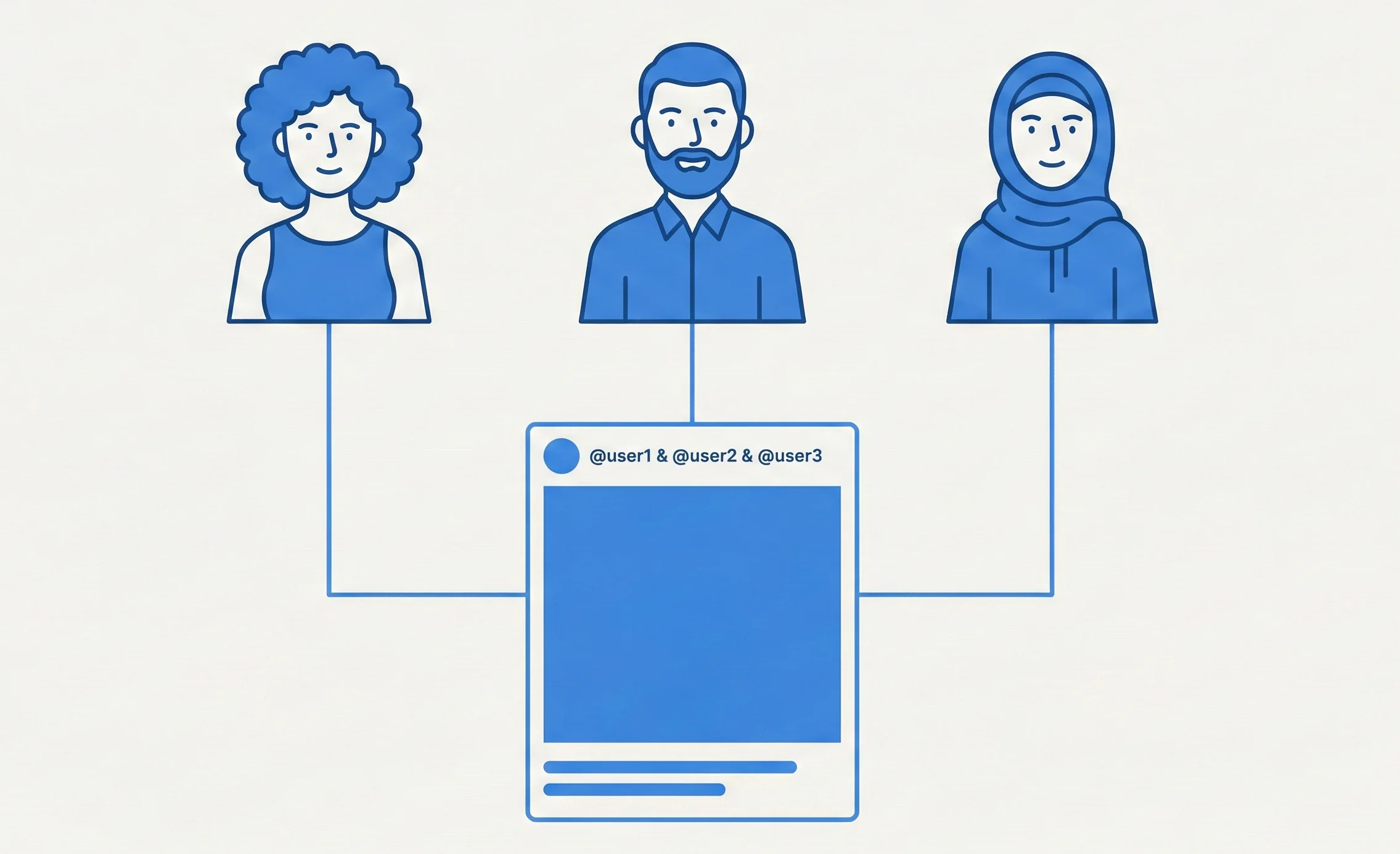
As of now, Instagram allows you to add only one collaborator per post. You cannot tag multiple collaborators the way you tag friends.
If you’re working with more than one brand or creator, consider:
- Creating a shared reel featuring everyone
- Tagging others in the caption or media
- Posting multiple versions of the content from each account
How To Send and Accept a Collab Request on Instagram
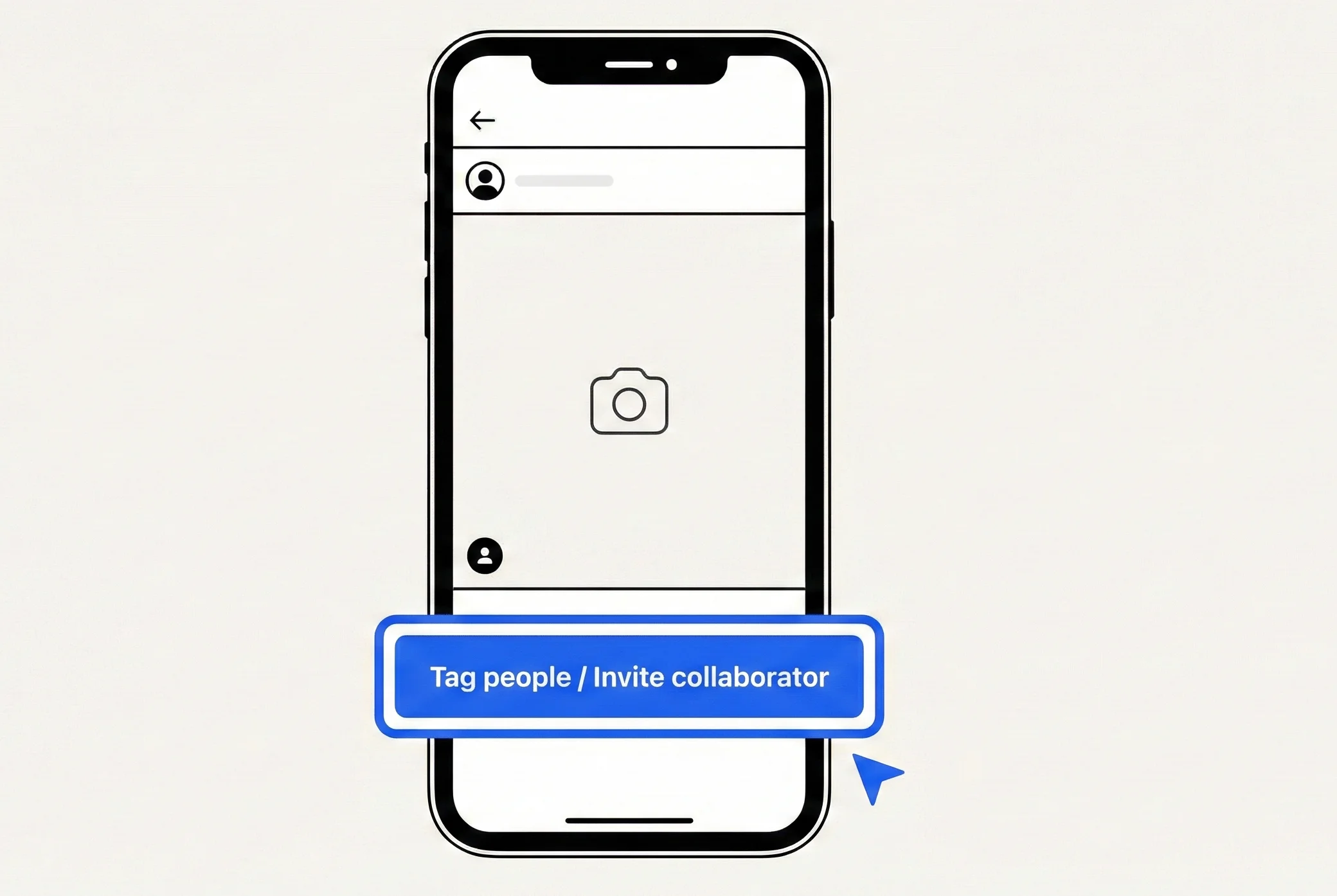
Here’s a simple step-by-step to collaborate on a post:
To Send a Collab Invite:
- Create a new post or reel.
- Before posting, tap on “Tag people.”
- Tap “Invite collaborator.”
- Search and select the user you want to collaborate with.
- Publish the post.
They’ll receive a notification to accept the invite.
To Accept a Collab Invite:
- Go to your notifications.
- Tap on the collab invite.
- Click “Accept” to approve the shared post.
- The post will now appear on both profiles.
How To Add a Collaborator on Instagram After Posting
Unfortunately, Instagram does not currently allow adding a collaborator after a post is published.
If you missed the step:
- You’ll need to delete and repost the content with the collaboration request.
- Alternatively, tag them in the caption or media manually.
How To Hide or Remove a Collab Post on Instagram
Can You Hide a Collab Post from Your Profile?
No, collab posts will appear on both profiles as long as the collaboration is active.
Want To Remove Yourself From a Collab?
Yes, here’s how:
- Tap the three-dot menu on the post.
- Select “Stop Sharing” or “Remove me as collaborator.”
- The post will be removed from your profile but still exist on the original poster’s profile.
Note: Engagement metrics will no longer be shared once you remove yourself.
Instagram Collab Not Working? Here’s What To Do
If you’re running into issues, here are common problems and how to solve them:
1. Invite Not Received
- Check your notifications tab.
- Ensure your app is updated.
2. Collab Request Declined
- The other person might have rejected or missed the invite.
- Resend it by editing and reposting.
3. Account is Private
- Only public accounts can accept collab requests.
- Ask them to switch to a public or professional account.
4. Technical Glitches
- Log out and log in again.
- Clear the app cache or reinstall Instagram.
Conclusion
Instagram collab posts are a powerful way to connect, grow, and co-create on the platform. Whether you’re promoting a product, launching a brand, or just having fun with a friend, this feature helps you get more eyes on your content — with less work.
By understanding how Instagram collabs work and how to use them effectively, you can take your engagement and reach to the next level.

Passionate about blogging and focused on elevating brand visibility through strategic SEO and digital marketing. Always tuned in to the latest trends, I’m dedicated to maximizing engagement and delivering measurable ROI in the dynamic world of digital marketing. Let’s connect and unlock new opportunities together!